A Virtual Private Server (VPS) rarely becomes overloaded without showing warning signs. CPU usage may rise, available memory may decrease, disk storage may fill up, or database connections may approach their limits. These changes often happen before a website becomes slow or stops responding.
The problem is that many administrators notice these issues only after users experience interruptions. Waiting until server resources reach 90% or 95% utilization leaves little room to handle unexpected traffic or demanding applications.
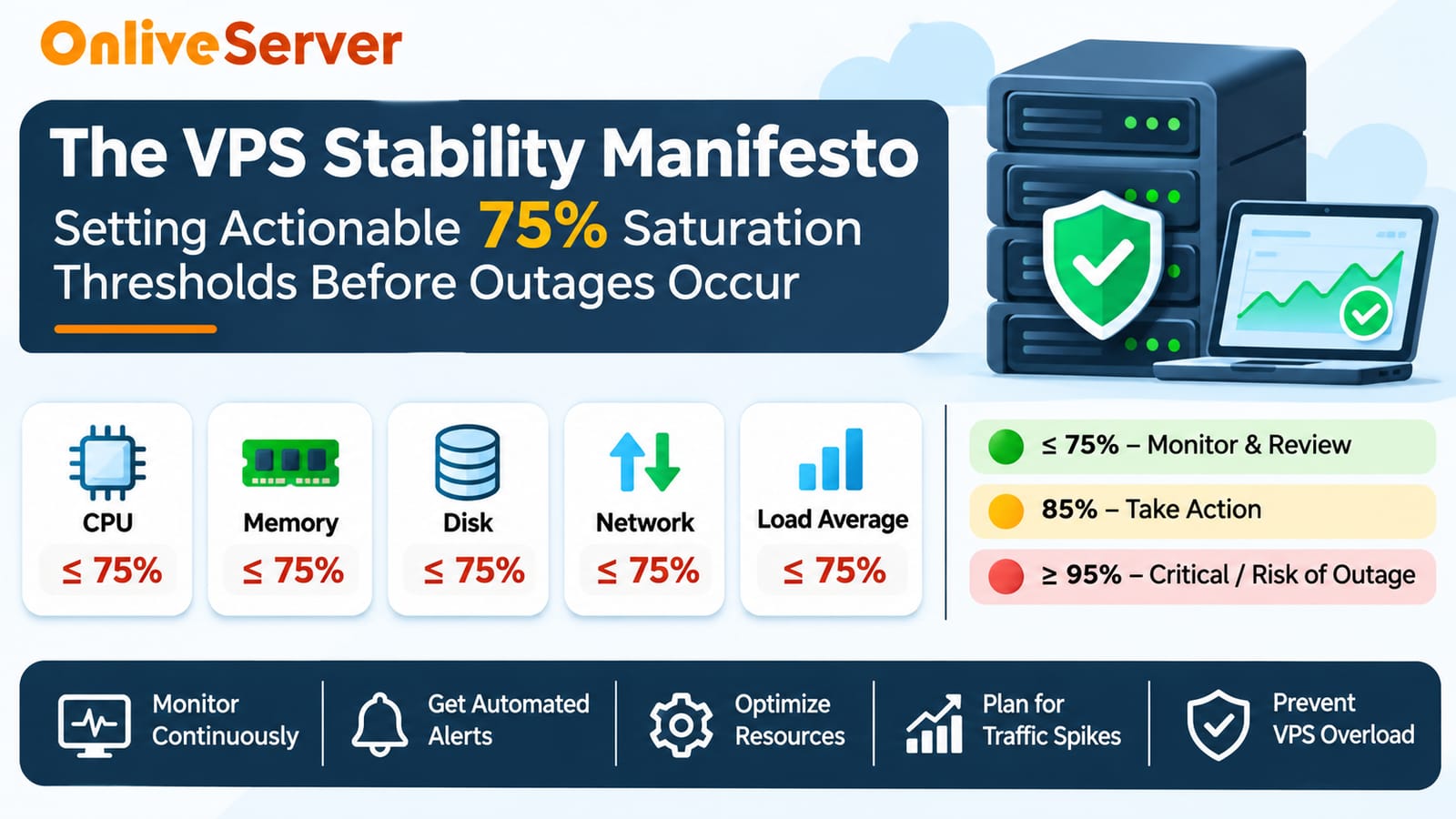
A more practical strategy is to establish resource monitoring thresholds that detect potential problems earlier. Setting an initial warning at 75% utilization can help administrators investigate unusual activity while sufficient capacity remains available.
For businesses running websites, applications, online stores, and educational platforms, VPS resource monitoring is an important part of maintaining server reliability. The objective is simple: identify increasing resource pressure, take corrective action, and prevent VPS server overload before it affects customers.
Why Early Resource Monitoring Matters for VPS Stability
A VPS depends on CPU, RAM, storage, and network resources to run websites, databases, and applications efficiently. Sudden traffic increases can raise resource usage and slow server performance. Early VPS resource monitoring helps administrators detect unusual activity, prevent overload, and plan capacity upgrades before users experience service interruptions.
Understanding the 75% VPS Resource Threshold
The 75% resource threshold helps administrators monitor VPS performance before resource usage becomes critical. For example, using 6GB of RAM on an 8GB VPS represents 75% utilization, but this doesn't necessarily indicate overload. Setting an early warning at this level allows administrators to identify unusual activity, review resource consumption, and prepare for increased demand before performance problems occur.
The remaining 25% capacity acts as a planning buffer rather than a guaranteed protection against overload.
Actual alert thresholds should reflect application behavior, peak traffic patterns, and historical performance measurements.
Why 75% Alerts Are Better Than Waiting Until 90% or 95%
As a VPS approaches its resource limits, high CPU usage, memory shortages, and storage exhaustion can slow applications or cause service interruptions. Waiting until 95% utilization leaves little time to respond, especially during sudden traffic spikes. Setting alerts at 75% helps administrators identify rising resource demand, investigate potential bottlenecks, and take preventive action before server performance deteriorates.
Recommended VPS Resource Alert Thresholds
A practical monitoring system should classify notifications according to their severity.
Warning alerts indicate that resource usage deserves investigation. Critical alerts require prompt attention, while emergency alerts indicate an immediate threat to service availability.
The following matrix provides example starting thresholds.
Resource
Warning
Critical
Emergency
CPU Usage
75% sustained
85% sustained
95% with performance problems
RAM Usage
75%
85% with memory pressure
95% with swapping or failures
Disk Space
75% used
85% used
95% used
System Load
Near CPU core count
Consistently above core count
High load with severe delays
Network Usage
75% of usable capacity
85% of usable capacity
95% with congestion
Database Connections
75% of connection limit
85% of connection limit
95% or connection failures
These are illustrative thresholds, not universal industry standards.
For accurate monitoring, CPU usage should be evaluated over time, memory alerts should consider actual memory pressure, and disk alerts should account for storage growth.
System load requires special attention because Linux load average is not expressed as a percentage.
Administrators should adjust these thresholds based on application requirements and observed performance.
CPU Monitoring: Preventing Processing Bottlenecks
CPU usage directly affects VPS performance, especially when websites handle heavy traffic and database requests. Short CPU spikes during backups or updates are normal, but sustained high usage can slow applications. Administrators should monitor CPU thresholds, identify resource-intensive processes, optimize workloads, and check CPU steal time to prevent server overload and maintain stable performance.
RAM Monitoring: Avoiding Memory Exhaustion
Memory shortages can slow VPS performance, cause application failures, and trigger out-of-memory errors. Setting a 75% RAM usage alert helps administrators detect increasing memory demand early. Monitoring available memory, swap activity, and resource-intensive processes can reveal memory leaks, excessive caching, or inefficient database settings, allowing timely optimization before server stability is affected.
Disk Space Monitoring: Preventing Storage-Related Outages
Disk space monitoring is essential for VPS stability because logs, backups, databases, and temporary files gradually consume storage. A 75% usage alert helps administrators detect storage growth early, while 85% requires prompt attention and 95% indicates a critical risk. Regularly checking available space, inode usage, and storage growth helps prevent database errors, application failures, and unexpected server downtime.
Understanding Linux Load Average and Server Saturation
Linux load average shows the number of processes running or waiting for resources over 1, 5, and 15 minutes. A high load doesn't always mean high CPU usage, as slow disk operations can also cause delays. Administrators should monitor CPU cores, disk I/O wait, and storage latency to identify bottlenecks, prevent VPS overload, and maintain stable server performance.
Automated VPS Alerts and Notifications
Automated VPS monitoring helps administrators detect resource problems before they cause downtime. Tools like Prometheus, Alertmanager, and Monit track server performance and send notifications through email, Slack, or webhooks when CPU, memory, or disk usage exceeds configured thresholds. Clear alerts and regular notification testing help teams respond quickly and maintain server stability.
Reducing Alert Fatigue Through Better Monitoring Rules
Excessive monitoring notifications can cause alert fatigue, making administrators overlook important warnings. To prevent this, VPS monitoring should trigger alerts only when resource usage remains high for a meaningful period. Tools like Alert manager can group duplicate notifications, manage alert frequency, and prioritize critical issues, helping administrators respond quickly without unnecessary interruptions.
Managing Traffic Spikes with Spare Server Capacity
Sudden traffic spikes can increase CPU, RAM, and database usage, affecting VPS performance. Setting a 75% resource warning threshold helps administrators detect rising demand while keeping some capacity available for additional traffic. Combining VPS resource monitoring with caching, database optimization, load testing, and capacity planning helps prevent server overload and maintain stable performance during peak hours.
Building a Practical VPS Overload Prevention Policy
An effective VPS monitoring policy starts by tracking normal CPU, RAM, disk usage, and application performance to establish resource baselines. Administrators should set clear alert thresholds, assign responsibility for critical warnings, and follow defined troubleshooting procedures. Regular monitoring and timely action help prevent server overload. Following practical VPS resource monitoring can further improve server stability.
Reviewing Alert Thresholds as Your VPS Workload Grows
VPS monitoring thresholds should be updated as website traffic, database size, and application demands grow. Administrators should regularly review resource usage, alert history, and server performance to adjust warning levels and reduce unnecessary notifications. Combining internal resource monitoring with external uptime checks helps detect performance issues, prevent unexpected outages, and maintain VPS stability.
Conclusion
Preventing VPS overload requires early resource monitoring, timely alerts, and proper capacity planning. Setting a 75% warning threshold helps administrators identify potential CPU, RAM, disk, and network issues before they affect server performance. Automated notifications and regular performance checks reduce downtime risks, improve resource management, and maintain VPS stability for websites and applications.