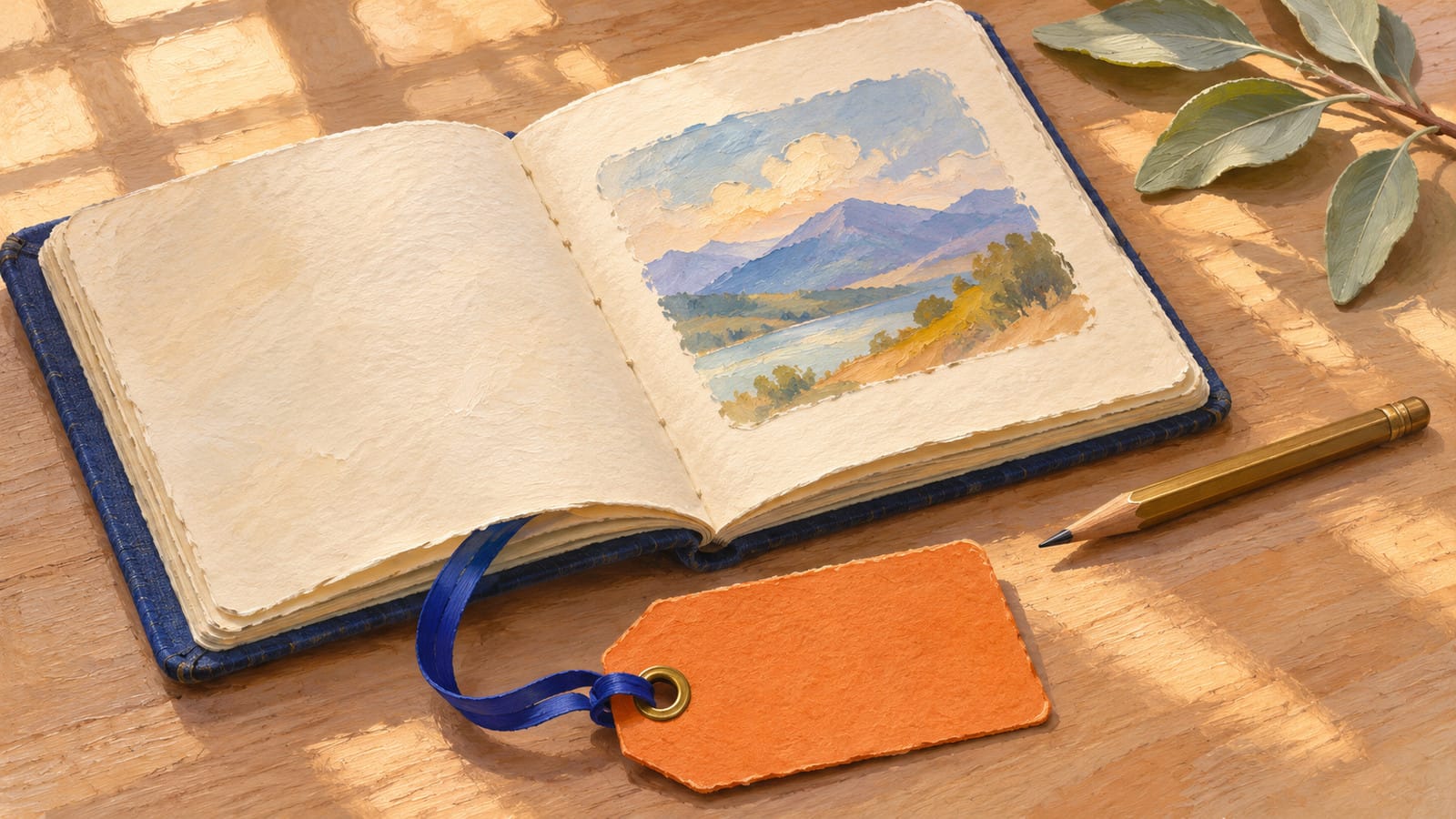
A notebook lies open on a wooden desk. A hand turns one page, and the paper falls flat just as you hoped. Then a loud cinematic whoosh makes the quiet shot feel like a trailer. If the picture works with the sound off, keep it. You can record a real page turn on your phone and replace the audio in Shotcut.
The notebook example is hypothetical.
Start with a page turn you can see clearly
Watch your existing clip once with the volume off. Can you see the moment the page first touches the stack on the other side? That first contact gives you a place to put the soft tap in your recording. If the picture already has that moment, go straight to recording. If the paper disappears before it lands, another take or an earlier cut may help more than new sound.
If you need a clip, use this text-to-video prompt. For a book with thicker stock, change “thin ivory paper” to “thick matte paper” and use a similar sheet when you record.
Fixed overhead close-up of an open plum clothbound sketchbook on a walnut desk in warm window light. One hand gently lifts the top corner of exactly one blank sheet of thin ivory paper on the right, turns it from right to left, and lets it rest flat on the left stack. Keep the spine, book and camera still throughout. Keep the point where the paper lands visible and hold briefly after it settles. One continuous shot, with no captions, logos, extra props, zoom or cuts.
UGC Maker AI is one option for trying the page-turn prompt in this guide. Its site describes the free browser generator as powered by MiniMax H3 and lists “unlimited” on its dedicated H3 page. You can try text prompts without signing up.
Paste the prompt and leave both Start Frame and End Frame empty.
Set the Aspect Ratio to match where the clip will appear. Choose 9:16 for a vertical short, for example.
Click Generate. When a preview is available, watch it muted and look for one clean landing. Download the clip if the picture works.
Record the paper you see on screen
Pick a similar sheet from a real book. A thin sheet gives you a softer flutter than a stiff card. Lay your phone flat on a steady surface with its microphone clear and pointed toward the book. Open your voice recorder, start recording, and let your hand settle before turning the page. Leave a little space after the page lands so the tail of the sound survives the edit.
Record a couple of takes at roughly the pace you see on screen. Listen for a clean rustle and a soft landing. If you hear your sleeve scrape the desk or the phone knock against the book, move the recorder back a little and try again. Pick a take with a landing you can hear and transfer the audio file to the computer with your video.
Mute the original in Shotcut and match the landing
Keep the picture on its own track. Open the video in Shotcut and drag it from the Source player onto an empty Timeline. On the video track header, click the speaker icon to mute that track. Play a moment to make sure the original whoosh is gone while the picture still plays.
Add your recording on a separate track. With the Timeline active, press Ctrl+U on Windows or Linux, or Command+U on macOS, to add an audio track. Open the recording and drag it from the Source player onto that track. Keep the audio’s end within the video’s end so it doesn’t extend the cut.
Find the moment the sheet lands. Pause on the first frame where the paper touches the left stack. Use the timeline playhead as your visual marker. Turn on Settings → Timeline → Show Audio Waveforms if needed, and listen for the landing in your recording. A small bump near the end of the rustle can help locate it. A loud bump at the beginning might just be your hand moving.
Slide the sound into place. Drag the whole audio clip left or right until the landing sound meets the playhead. Hold Alt (Option on macOS) while dragging if snapping keeps pulling you away from the spot. Play from just before the turn. If you hear the tap before the page lands, move the audio right. If the page lands first, move it left. If the tap matches but the earlier rustle still starts much too soon, try a take whose turn is closer to the clip’s pace.
If the timing feels right but the paper sounds too loud, select the audio clip and add Shotcut’s Gain / Volume filter. Lower the level a little and replay the turn. It should sound like one sheet landing on a book. If the recording won’t fit, mute the replacement track too and keep the silent version.
Export and listen on the phone
Open Export, choose Timeline in From, use the Default preset and click Export File. Give the file a distinct name so you can tell it apart from the download. Wait for the job to finish, then play the exported file through your phone’s speaker at the volume you usually use for short videos.
Listen through the turn once without scrubbing. Does the rustle follow the page as it moves? Does the little tap arrive when the paper lands? Replay the first second as well. If the whoosh is still there, check the video track’s mute toggle and confirm you exported the timeline. When the phone speaker makes the new sound feel distracting again, compare it with the silent cut. The picture already earned its place.