Does your laptop work perfectly while browsing the internet or editing documents but suddenly restart when you launch a game, render a video, or run demanding software?
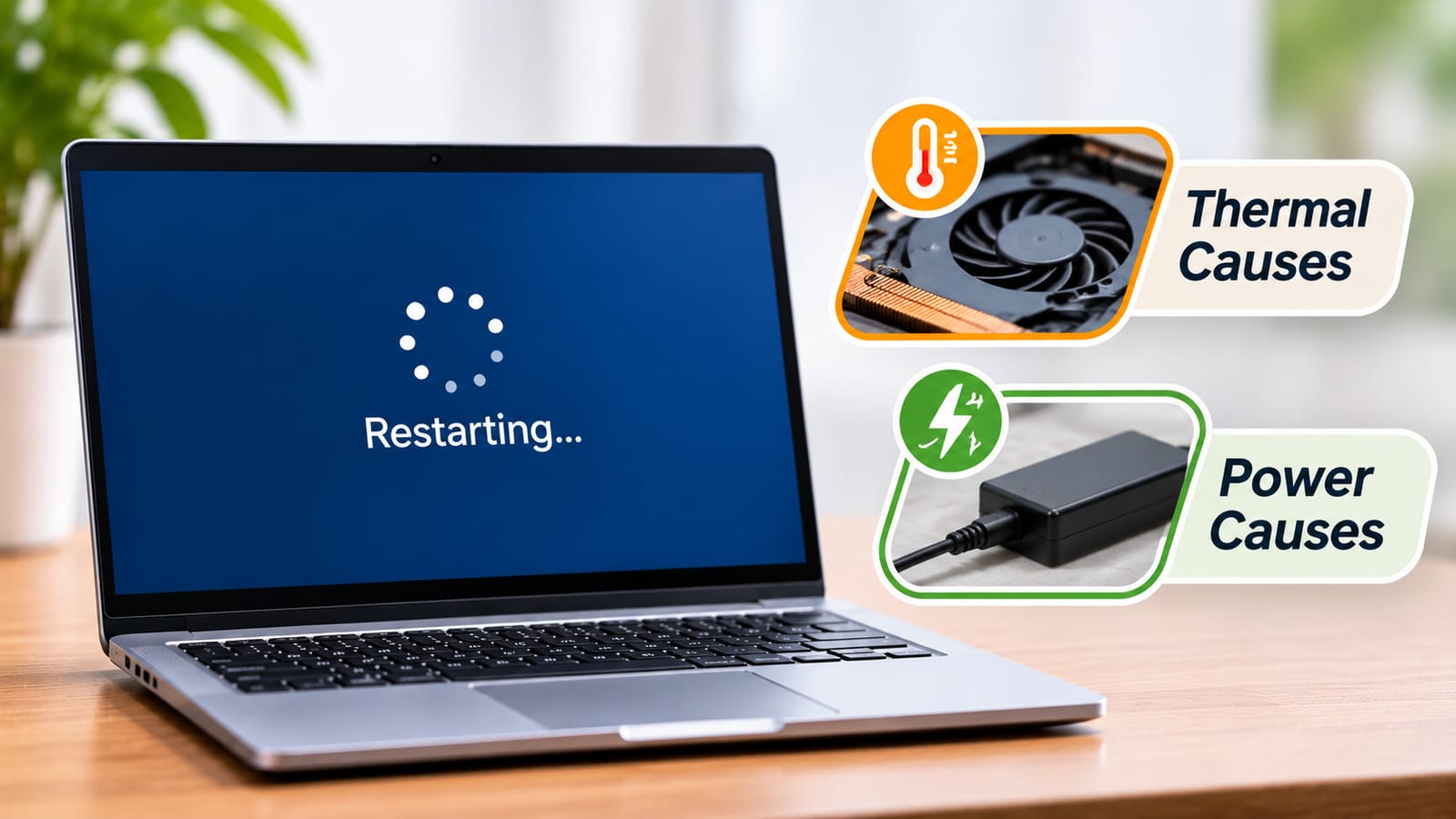
If your laptop restarts under heavy load, the problem may be related to overheating or unstable power delivery. Both issues can produce similar symptoms, making it difficult to identify the actual cause without systematic troubleshooting.
Modern laptops are designed to handle fluctuations in temperature and power consumption. However, when cooling components deteriorate or the power delivery system cannot meet hardware demands, the laptop may become unstable.
Understanding the difference between thermal and power-related problems can help you avoid unnecessary component replacements and prevent further hardware damage.
Why Does a Laptop Restart Under Heavy Load?
When a laptop performs demanding tasks, its processor and graphics card consume more electricity and generate additional heat.
The cooling system must remove this heat, while the charger, battery, and motherboard power circuits must maintain a stable electricity supply.
If either system fails to perform correctly, the laptop may freeze, shut down, or restart unexpectedly.
Common triggers include:
Playing graphics-intensive games
Rendering high-resolution videos
Running 3D modelling software
Performing large software installations
Running multiple demanding applications
Processing large datasets
Running CPU or GPU-intensive applications
The fact that a laptop works normally during light usage does not necessarily mean its hardware is healthy. Certain faults become noticeable only when components operate under increased demand.
1. Overheating: A Common Cause of Unexpected Restarts
Overheating occurs when the laptop generates more heat than its cooling system can effectively remove.
Processors and graphics cards have built-in thermal protection mechanisms. When temperatures become excessive, the system may reduce performance or shut down to protect sensitive components.
Depending on the hardware and system configuration, this may appear as an unexpected restart.
Common Reasons for Laptop Overheating
Dust accumulation inside cooling vents
Blocked air intake or exhaust openings
Damaged or malfunctioning cooling fans
Deteriorated thermal paste
Poor contact between the processor and heatsink
Damaged cooling heat pipes
Using the laptop on soft surfaces
High ambient temperatures
Gaming laptops and high-performance workstations can be particularly sensitive to cooling problems because their components generate significant heat during demanding tasks.
2. Warning Signs of Thermal-Related Restarts
Overheating-related problems often produce noticeable symptoms before the laptop restarts.
You may experience:
Extremely loud cooling fans
Excessively hot laptop surfaces
Sudden drops in gaming performance
Reduced processor clock speeds
Application freezing
Increasing temperatures before shutdown
Restarts after several minutes of demanding usage
A laptop that consistently restarts after running a demanding application for a certain period may have a cooling problem.
However, temperature readings should be checked before reaching a conclusion.
3. How to Check Whether Your Laptop Is Overheating
Temperature monitoring software can help determine whether overheating is contributing to unexpected restarts.
Popular monitoring tools include HWiNFO, HWMonitor, and Core Temp.
Start by observing CPU and GPU temperatures during normal usage. If the laptop remains stable, monitor temperatures during a familiar workload without deliberately pushing the system to its limits.
Pay attention to whether temperatures rise rapidly before the laptop becomes unstable.
Some laptop processors can operate close to 90°C or higher under demanding workloads, depending on their design. Therefore, a high temperature reading alone does not automatically indicate a fault.
Compare the readings with the manufacturer's specifications and look for persistent thermal throttling, abnormal temperature increases, or repeated shutdowns.
If the cooling fan is not operating correctly, HP laptop owners can explore laptop cooling fan repair options before the problem affects other components.
4. Power Delivery Problems Under Heavy Load
Not every unexpected restart is caused by overheating.
A laptop requires a stable electricity supply to support its processor, graphics card, memory, storage, and other components.
During demanding tasks, power consumption can increase significantly.
If the charger, battery, or motherboard power delivery system cannot meet these requirements, the laptop may become unstable even when temperatures remain within acceptable limits.
Common power-related causes include:
Insufficient charger wattage
Faulty AC adapter
Damaged charging port
Deteriorated battery
Loose internal power connections
Motherboard power circuit faults
Unstable voltage regulation
These problems can be difficult to identify because the laptop may operate normally when power consumption is low.
5. Warning Signs of Power-Related Restarts
Power-related failures may behave differently from thermal problems.
Common symptoms include:
Immediate restart when launching a game
Sudden shutdown without increasing fan noise
Restarts despite normal CPU and GPU temperatures
Charging indicator flickering
Battery percentage dropping unexpectedly
Charger disconnecting intermittently
Different behaviour when running on battery power
For example, a laptop that restarts immediately when its dedicated graphics card becomes active may have a power delivery or graphics-related problem.
Unlike gradual overheating, some power failures occur almost instantly when hardware demand increases.
6. Could an Incorrect Laptop Charger Cause Restarts?
Yes. Using an incompatible or underpowered charger can contribute to instability during demanding tasks.
A charger may provide enough electricity for web browsing and basic applications but struggle to support gaming, video rendering, or other high-performance activities.
Check whether your charger matches the laptop manufacturer's recommended voltage, wattage, connector type, and charging protocol.
This is particularly important for gaming laptops and mobile workstations that require high-wattage adapters.
Avoid using low-quality replacement chargers or adapters with incompatible specifications.
If the laptop behaves differently when connected to a known-good, manufacturer-approved charger, the original adapter may require further investigation.
7. Can a Faulty Laptop Battery Cause Unexpected Restarts?
A deteriorated laptop battery may struggle to maintain stable voltage when power demand increases.
In some laptop designs, the battery can supplement the AC adapter during temporary increases in power consumption.
If the battery is damaged or significantly degraded, the laptop may become unstable during these periods.
Signs of battery-related problems include sudden percentage drops, reduced backup time, unexpected shutdowns, and inconsistent charging behaviour.
Windows users can generate a battery health report by running the following command:
powercfg /batteryreport
The report provides information about the battery's original design capacity, current full-charge capacity, and usage history.
If battery deterioration is confirmed, reviewing the laptop battery replacement cost can help determine whether replacement is economically worthwhile.
A swollen or unusually hot battery should be professionally inspected without further demanding usage.
8. Motherboard Power Circuit and Voltage Regulation Problems
The motherboard contains components responsible for distributing and regulating electricity throughout the laptop.
Voltage regulator modules, commonly known as VRMs, help provide stable operating voltages to processors and other hardware.
When these components develop faults, the laptop may become unstable during periods of increased power consumption.
Possible symptoms include immediate restarts, intermittent charging, unexpected shutdowns, and instability despite acceptable operating temperatures.
A damaged charging connector or power management circuit can produce similar behaviour.
For Dell laptops experiencing these symptoms, professional laptop power circuit repair may be necessary to identify faults within the charging and power delivery system.
Motherboard replacement should only be considered after the defective component has been properly diagnosed.
9. How to Differentiate Thermal Problems From Power Problems
The timing and behaviour of the restart can provide useful diagnostic clues.
Thermal problems are more likely when:
The laptop restarts after several minutes of demanding usage.
CPU or GPU temperatures increase significantly before failure.
Cooling fans operate at maximum speed.
Performance gradually decreases before shutdown.
The problem becomes worse in warmer environments.
Power problems are more likely when:
The laptop restarts immediately when hardware demand increases.
Temperatures remain within normal operating limits.
The problem changes depending on the charger being used.
Charging becomes intermittent.
The laptop shuts down suddenly without noticeable thermal throttling.
These symptoms are indicators rather than definitive diagnoses. Cooling and power delivery problems can also occur simultaneously.
10. Other Hardware and Software Causes to Consider
If cooling and power delivery systems appear healthy, other components may be responsible.
Faulty RAM can cause system crashes when demanding applications consume more memory.
A failing SSD may contribute to freezing, storage errors, and unexpected restarts.
Graphics driver problems can cause instability when the dedicated GPU becomes active.
Unstable overclocking or undervolting settings may also trigger crashes under demanding workloads.
Windows Event Viewer and Reliability Monitor can help identify system errors occurring before the restart.
However, a Kernel-Power Event ID 41 generally indicates that Windows did not shut down correctly. It does not independently identify the underlying cause.
11. What Should You Do Before Replacing Hardware?
Start with basic troubleshooting rather than purchasing replacement components immediately.
Back up important files, check operating temperatures, ensure ventilation openings are unobstructed, and verify that the charger meets manufacturer specifications.
Restore default performance settings if the laptop has been overclocked or undervolted.
Update relevant drivers through official manufacturer sources.
If the laptop continues restarting, avoid repeatedly running intensive benchmarks or stress tests until the underlying problem has been identified.
Professional diagnosis can help distinguish cooling faults, battery deterioration, charger problems, and motherboard power circuit failures.
Final Thoughts
When a laptop restarts under heavy load, overheating and unstable power delivery are two important possibilities.
Thermal problems often develop as temperatures increase, while power-related failures may occur suddenly when hardware demand rises.
Monitoring temperatures, checking charger compatibility, reviewing battery health, and observing restart patterns can help narrow down the cause.
Instead of replacing components based on assumptions, identify the underlying fault first. A systematic diagnosis can reduce unnecessary repair expenses, protect important data, and restore reliable laptop performance.