Your aging parent enjoys living independently, but you still wonder whether they are safe throughout the day. Did they remember their medication? Are they following their usual routine? What happens if they need help when nobody is nearby?
These concerns are common among families supporting older adults who live alone.
A family safety and wellness app can help families stay connected without requiring constant phone calls or supervision. By combining everyday safety features with wellness tools, these platforms offer a practical way to support independent living.
But is investing in a family safety and wellness app really worth it in 2026?
This guide explores the benefits, limitations, costs, and important considerations to help families decide whether a connected senior care solution like mySeniorCareHub is right for their loved ones.
Is a Family Safety and Wellness App Worth It for Seniors Living Alone?
Yes, a family safety and wellness app can be worth considering for seniors living alone, particularly when families need regular safety communication, emergency assistance, and support with everyday wellness routines.
Unlike basic messaging applications, connected senior care platforms may provide daily check-ins, location sharing, medication reminders, and additional emergency services.
For example, a parent can complete a daily safety check-in while family members receive relevant updates according to the application's settings.
However, the value depends on the older adult's needs, comfort with technology, and the services included in the subscription.
An app should support independent living rather than replace personal contact or necessary medical care.
Why Do Families Need More Than Phone Calls to Support Aging Parents?
Phone calls are an important way to maintain emotional connections, but they have limitations.
An older adult may miss a call because they are resting, attending an appointment, or simply away from their phone.
For long-distance caregivers, different schedules can make regular communication more difficult.
A family safety app for seniors provides additional ways to maintain contact through scheduled check-ins and relevant notifications.
For example, a daily safety check-in app for seniors can help families establish a consistent communication routine while providing access to connected emergency support.
Wellness tools can also help older adults organize medication schedules and review available health information.
These capabilities make family communication more structured while allowing seniors to continue their usual activities.
5 Reasons Families Choose a Safety and Wellness App for Independent Seniors
1. Stay Connected Without Constantly Calling
Families often want reassurance that aging parents are following their everyday routines.
Daily safety check-ins offer a simple way for older adults to confirm their status at agreed times.
Some services notify authorized relatives when a scheduled check-in is missed.
This allows families to follow up when needed rather than relying entirely on repeated calls.
For seniors who value privacy, scheduled check-ins can provide a more comfortable alternative to frequent supervision.
2. Make Emergency Assistance Easier to Access
Unexpected situations can happen even when older adults are generally healthy and active.
An emergency SOS feature gives users a way to request assistance when they need help.
Some applications send alerts to selected contacts, while others provide access to professional emergency dispatch.
mySeniorCareHub offers Emergency Help and 24/7 Dispatch through eligible membership plans, helping families access additional emergency support when needed.
Before choosing a service, families should confirm how emergency requests are handled and what happens if a phone loses connectivity.
Emergency features can complement a safety plan but cannot guarantee that every emergency will be detected or resolved.
3. Support Medication and Wellness Routines
Medication management is an important consideration for many older adults.
A medication reminder app for seniors may help older adults organize prescribed medication schedules and establish consistent daily routines.
Other wellness tools can support awareness of daily activity, sleep routines, and available health measurements.
For example, vital monitoring tools for seniors may help users review selected wellness measurements through compatible technology.
These features can encourage consistent habits and help families discuss everyday wellness needs.
However, consumer wellness applications cannot diagnose medical conditions or replace healthcare professionals.
4. Help Long-Distance Caregivers Stay Informed
Adult children may live in different cities or states from their aging parents.
This distance can make it harder to coordinate everyday caregiving responsibilities.
A senior monitoring app with authorized family sharing can provide convenient access to selected safety and wellness information.
A GPS location tracking app for seniors may also be useful when older adults travel independently or attend appointments.
Privacy settings and consent should remain central to how families use these features.
5. Support Aging in Place With Greater Confidence
Many older adults prefer to remain in familiar homes rather than move into assisted living before it becomes necessary.
Aging in place technology can support this preference through communication, reminders, and emergency preparedness.
A connected safety and wellness platform may help families organize support around an older adult's existing lifestyle.
It does not eliminate the need for home modifications, healthcare services, or personal assistance when those are required.
Instead, it can become one part of a broader independent living plan.
What Should You Look for Before Buying a Family Safety and Wellness App?
Choosing the right application involves more than comparing the number of available features.
Start by identifying your parent's most important needs.
For someone living alone, daily safety check-ins and emergency assistance may be priorities. For an active older adult who frequently travels, authorized GPS location sharing may be useful.
Families managing medication routines may prefer applications that include reminders and wellness features.
Ease of use is equally important. Look for readable text, simple navigation, and straightforward notifications.
Before subscribing, review privacy controls, device compatibility, customer support, and the services included in each membership plan.
The best family care app is one that fits naturally into an older adult's everyday routine.
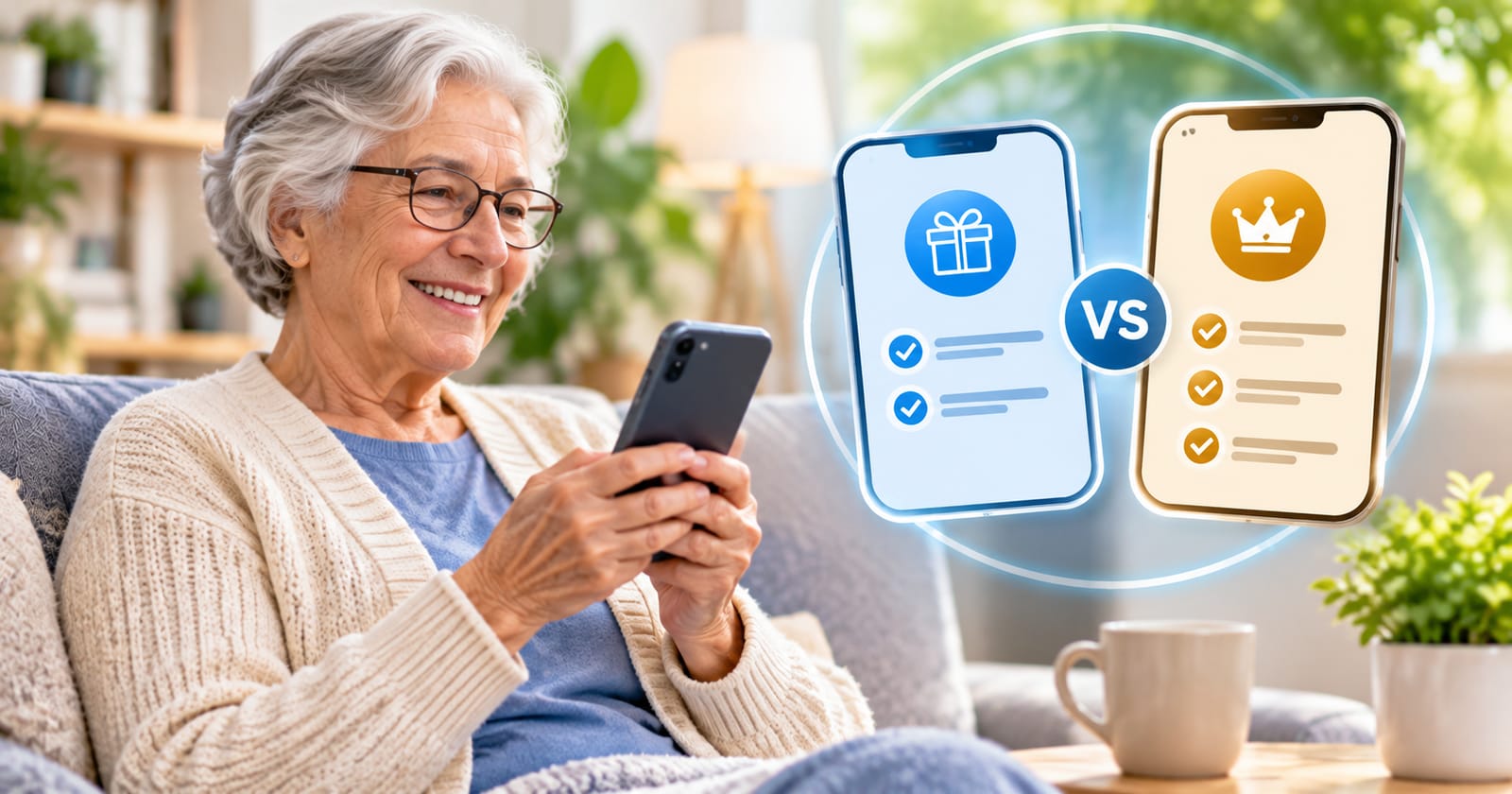
Free vs Paid Family Safety and Wellness Apps: Which Offers Better Value?
Free applications can be useful when families only need basic communication, location sharing, or reminders.
However, some advanced services require paid subscriptions.
Professional emergency dispatch, connected devices, and additional caregiving capabilities may involve monthly or annual charges.
A paid family safety and wellness app may provide better value when several essential services are included in one membership.
Still, families should compare the total cost rather than relying on promotional prices.
Check renewal rates, cancellation terms, device requirements, and whether important safety features are included in the selected plan.
Paying more does not automatically mean receiving better protection.
How Does mySeniorCareHub Support Seniors Living Independently?
mySeniorCareHub offers connected family safety and wellness capabilities designed to support older adults and their caregivers.
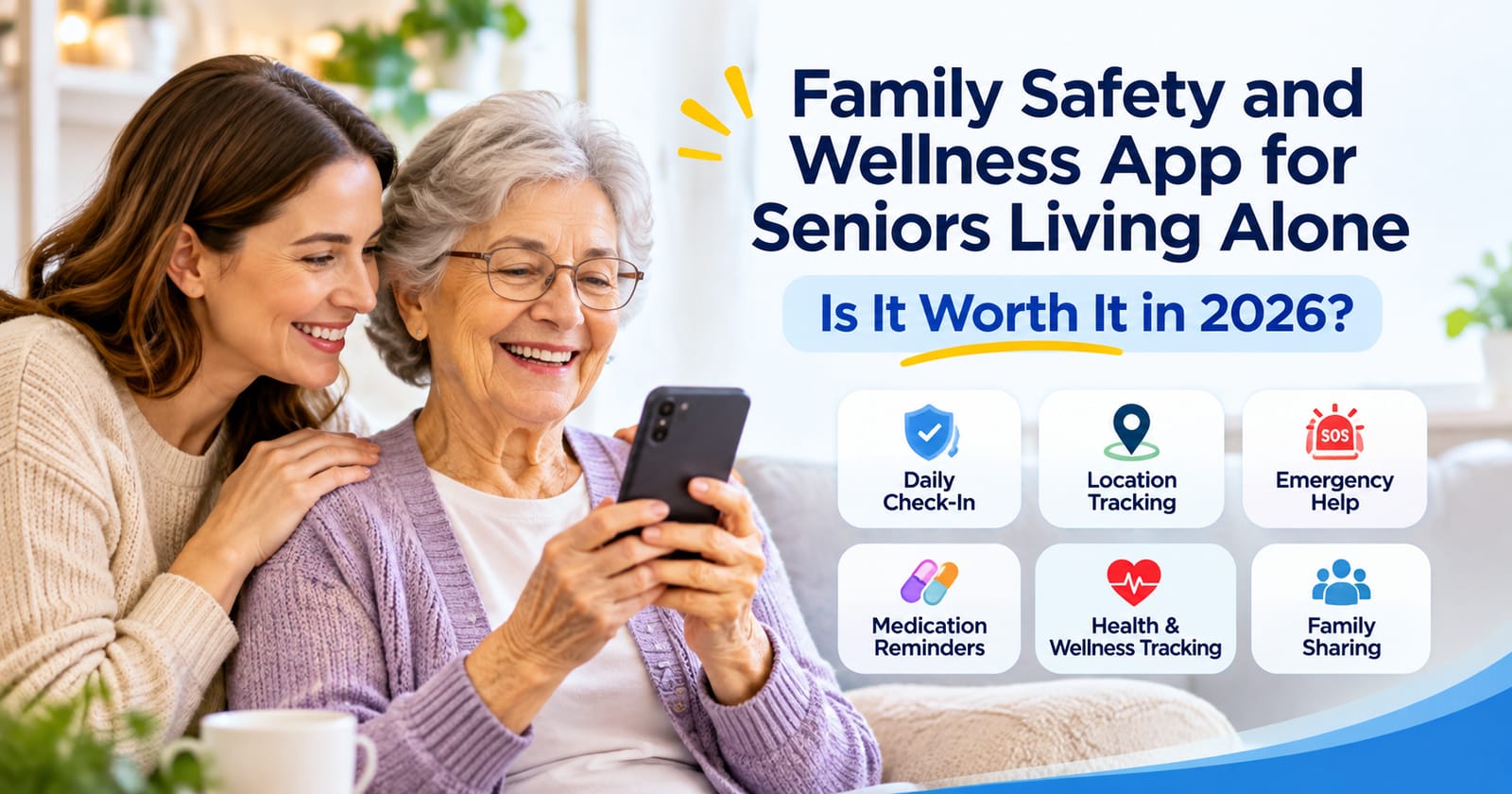
Its core Family Safety App focuses on four essential features: Daily Check-In, Location Tracking, Emergency Help, and 24/7 Dispatch through eligible membership plans.
Daily Check-In helps families maintain regular safety communication, while Location Tracking supports authorized location sharing.
Emergency Help provides a way to request assistance, and eligible 24/7 Dispatch services add another layer of emergency support.
Beyond the core safety app, mySeniorCareHub's broader wellness ecosystem includes medication reminders, vital monitoring, sleep tracking, activity tracking, family sharing, and health data sharing.
The platform also includes Kiara AI Health and Care Companion for additional everyday wellness assistance.
Together, these capabilities make mySeniorCareHub an option for families seeking connected safety and wellness support rather than relying entirely on separate applications.
Families can explore mySeniorCareHub's family safety and wellness features and review current membership details and device compatibility to determine which capabilities best match their needs.
Can a Family Wellness App Replace a Medical Alert System?
Not necessarily.
A family safety and wellness app may offer emergency SOS assistance, check-ins, and location sharing through a compatible smartphone.
A dedicated medical alert system may provide wearable emergency buttons, in-home equipment, or automatic fall detection on supported devices.
For an older adult who does not consistently carry a smartphone, a dedicated medical alert device may offer practical advantages.
Some families may benefit from using both types of technology.
The right choice depends on mobility, daily habits, health needs, and emergency preparedness requirements.
Who Should Consider a Family Safety and Wellness App?
A connected safety and wellness app may be especially useful for older adults who live alone but remain comfortable managing everyday activities.
It can also help long-distance caregivers who want structured communication and authorized updates.
Families coordinating support among several relatives may benefit from shared information and reminders.
However, an app may be less suitable as the only safety solution for someone who cannot reliably use a smartphone or requires continuous hands-on assistance.
In those situations, families should consider additional support arrangements.
How to Get Started With a Senior Safety and Wellness App
Begin by discussing the idea with your aging parent.
Explain which features could help and ask what level of information sharing feels comfortable.
Next, identify two or three priorities, such as daily check-ins, emergency assistance, or medication reminders.
Compare available applications, review subscription plans, and confirm smartphone compatibility.
Once you select a platform, help your parent become familiar with the most important functions.
Practice completing check-ins and explain how emergency assistance works.
A simple setup and clear expectations can make the technology more useful over time.
Frequently Asked Questions
Is a family safety and wellness app worth paying for?
It can be worthwhile when a family needs connected safety features, wellness tools, or emergency services that are not available through free applications. The value depends on individual needs and subscription benefits.
Can a family safety app help elderly parents living alone?
Yes. Features such as daily check-ins, authorized location sharing, and emergency assistance can provide additional support for older adults living independently.
Do family wellness apps provide medical monitoring?
Some applications offer consumer wellness tracking and access to selected health measurements. These features should not be confused with clinical remote patient monitoring or professional medical care.
What is the difference between a senior safety app and a family wellness app?
A senior safety app focuses on communication, location awareness, and emergency assistance. A family wellness app focuses on everyday health routines and wellness information. Some platforms combine both categories.
Can family members use a wellness app without invading an older adult's privacy?
Yes. Families should choose applications with clear permissions, authorized sharing, and privacy controls. Older adults should participate in decisions about what information is shared.
Is mySeniorCareHub suitable for seniors who live alone?
mySeniorCareHub offers daily check-ins, location sharing, emergency help, eligible 24/7 dispatch services, and broader wellness tools that can complement independent living.
Conclusion
A family safety and wellness app can be a worthwhile investment for families supporting aging parents who live independently.
Daily check-ins, emergency assistance, medication reminders, and wellness features can make everyday caregiving more organized while helping older adults maintain their routines.
However, the right choice depends on the features your family needs, the older adult's comfort with technology, and the services included in the subscription.
For families exploring a connected approach to senior safety and wellness, mySeniorCareHub's Family Safety App offers a combination of everyday safety features and broader wellness capabilities worth considering.