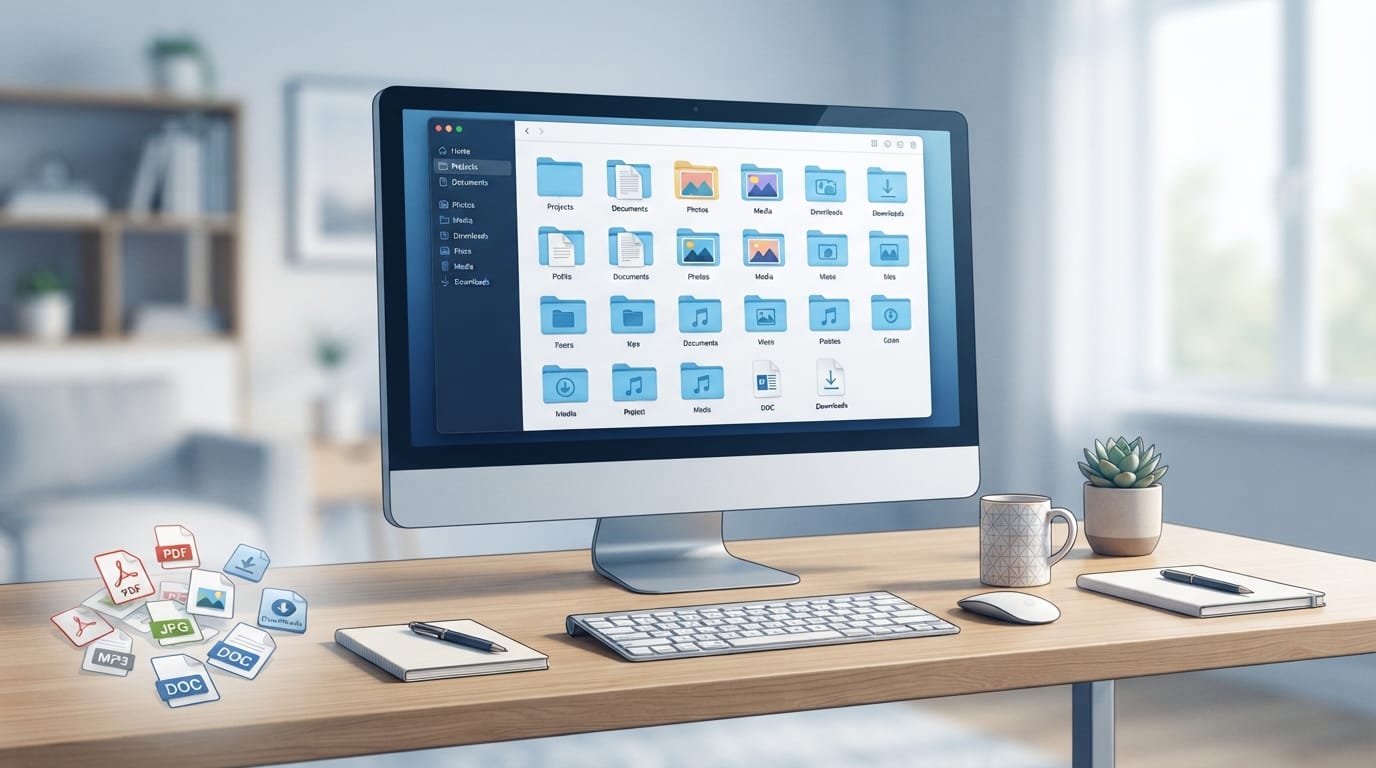
Most people spend considerable time organizing their physical surroundings, but their digital spaces often receive much less attention.
A computer can contain thousands of files accumulated over several years. Documents sit in random folders, screenshots remain on the desktop, downloaded images have unclear names, and important files become buried beneath things that are no longer needed.
The problem usually starts small. You save something because you might need it later, forget where you put it, and eventually download another copy. Over time, this creates a digital collection that is difficult to manage.
Organizing digital files does not require complicated software or an elaborate productivity system. A few consistent habits can make a significant difference.
Start With a Structure That Makes Sense
The first step is creating a folder structure that reflects how you actually use your computer.
Many people make the mistake of creating too many folders before understanding their needs. A complicated structure can become just as frustrating as having no organization at all.
Instead, begin with a few broad categories:
Documents
Images and photographs
Videos and audio
Projects and work
Personal files
Temporary downloads
You can create additional folders inside these categories whenever necessary.
For example, a Documents folder might contain separate sections for invoices, reports, certificates, and personal records.
The objective is to make finding a file predictable. You should have a reasonable idea of where something belongs before saving it.
Give Files Names That Explain Their Purpose
A file named document-final-new-2.pdf does not tell you much about its contents.
Meaningful filenames make searching and identifying documents much easier.
Consider including three basic elements when naming important files:
The subject or project.
A relevant date.
A short description.
For example:
2026-11-25-website-project-notes.pdf
This approach is particularly useful for documents that receive frequent updates.
You should also choose one naming convention and use it consistently. Mixing several styles can make a collection difficult to scan.
For files belonging to the same project, keeping a consistent naming pattern helps maintain a clear history.
Manage Your Downloads Folder Regularly
The Downloads folder is often where digital organization breaks down.
It becomes a temporary storage location for everything: software installers, documents, images, video files, and attachments.
Unfortunately, temporary storage can easily become permanent.
One practical solution is to review this folder periodically. Move files you want to keep into appropriate locations and remove unnecessary duplicates or temporary items.
Downloaded media deserves similar attention.
For example, people who save videos they are permitted to keep may benefit from organizing them by subject rather than leaving everything in one location. A browser-based YouTube downloader such as YTDown can be used to download accessible videos in MP4 format or convert them into MP3 audio. Once saved, those files can be placed into clearly named folders for easier reference.
The important part is not simply downloading content. It is making sure useful files remain identifiable and accessible afterward.
Always respect copyright, creator permissions, and the applicable platform terms when downloading media.
Avoid Keeping Multiple Copies of Everything
Duplicate files consume storage and create unnecessary confusion.
Imagine having three versions of the same presentation with slightly different filenames. Which one contains the latest changes?
This becomes particularly problematic when working with documents, photographs, and project files.
Before creating another copy, check whether the original already exists.
For important projects, establish a clear version naming convention. For example:
website-design-v1
website-design-v2
website-design-final
For long-term projects, a date-based naming system may be even more reliable.
You do not need to eliminate every duplicate. Sometimes separate copies are necessary for backups or different workflows. The goal is to avoid unnecessary duplication that makes it difficult to identify the correct file.
Think About Backups Before You Need Them
File organization is only part of digital management. Protecting important information is equally important.
A computer can fail, a storage device can become corrupted, or an accidental deletion can remove something valuable.
Keeping important files in only one location creates an unnecessary risk.
A practical backup strategy involves maintaining another copy of important information on a separate storage device or trusted cloud service.
For particularly important files, consider keeping multiple copies in different locations.
Also, remember that synchronization is not always the same as a backup. If a file is accidentally deleted and the deletion synchronizes across devices, the other copies may disappear too.
Reviewing your backup process occasionally is a good habit.
Separate Important Files From Temporary Material
Not every file deserves permanent storage.
Screenshots used once, temporary exports, installation packages, and outdated drafts can accumulate quickly.
A useful approach is to distinguish between files you actively need, files you want to preserve, and files that can safely be removed.
You might create a temporary folder for items that need attention later. Review it regularly instead of allowing it to become another permanent collection.
This keeps your main folders focused on information that actually matters.
Make Searching Easier With Metadata
Folder structures and filenames are useful, but sometimes they are not enough.
Metadata provides additional information about a file, such as its creation date, author, file type, dimensions, or other properties.
Photographs, for example, may contain information about when and where they were captured. Documents can include author names and other descriptive properties.
Using available search filters can help locate files even when you do not remember their exact names.
For larger collections, descriptive tags and dedicated cataloging applications can also make information easier to retrieve.
However, you do not need to add metadata manually to every file. Focus on collections where additional information genuinely improves search and organization.
Build a Routine You Can Actually Maintain
The biggest mistake in digital organization is creating a system that requires too much effort to maintain.
You might spend an entire afternoon organizing thousands of files, but if the system is inconvenient, everything will eventually become disorganized again.
A better approach is to develop small habits:
Rename important files when saving them.
Move downloads into appropriate folders.
Remove unnecessary temporary files.
Review important documents periodically.
Back up files that would be difficult to replace.
These actions take very little time individually.
Over several months, however, they can prevent a considerable amount of digital clutter.
Final Thoughts
Digital organization is not about creating perfect folder structures or having the cleanest desktop. It is about making information easier to find, protecting important files, and avoiding unnecessary duplication.
A simple system that you consistently maintain is more useful than an elaborate system that you eventually abandon.
Start with your Downloads folder, organize a few important documents, and establish a naming convention. Small improvements can gradually turn a disorganized collection into a reliable personal archive.