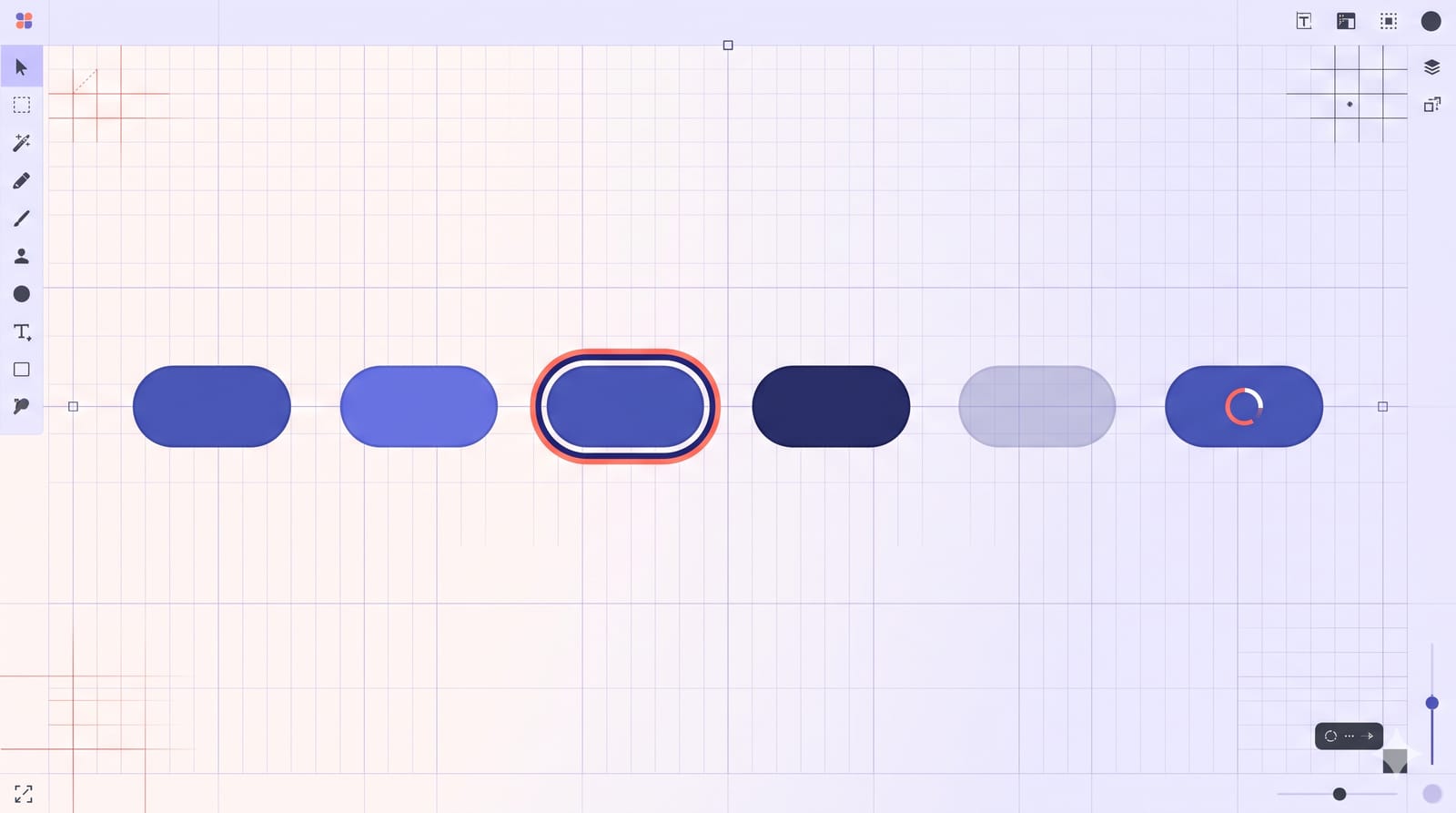
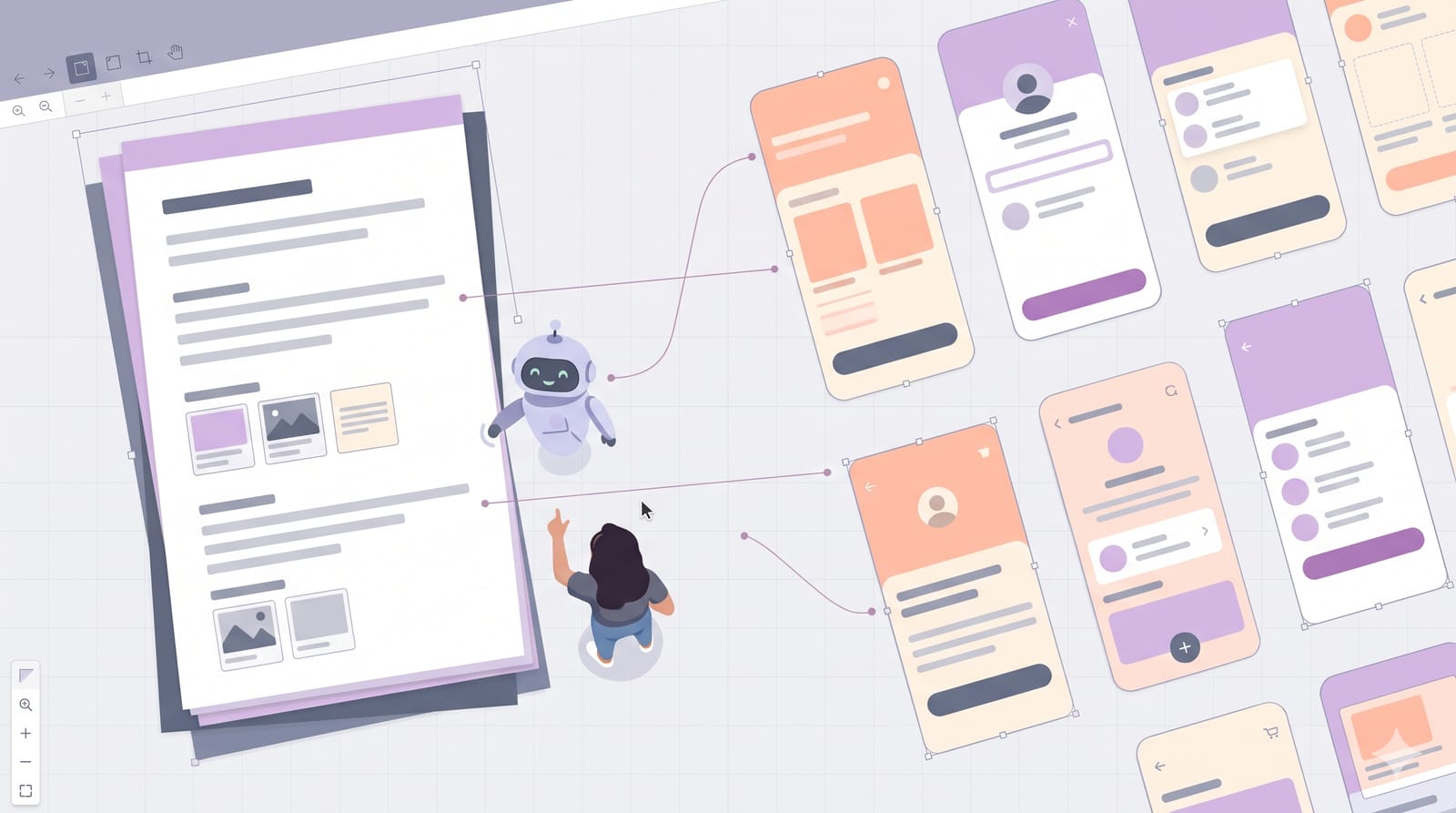
Figma Specs, announced at Config India in Bengaluru on 15 October 2026, is a Markdown document that lives on the Figma canvas. It is meant to hold the decisions behind a design: the rules, the reasoning, the requirements. Both your teammates and AI agents can read it. That last part changes what a good spec looks like. A vague guideline that a human can interpret ("keep it clean") gives an agent nothing to act on. Here is what Specs can do in its open beta, and how to write one that people and agents will actually follow.
What Specs is, in plain terms
Picture your usual setup: frames on the canvas, and somewhere else (Notion, a Google Doc, a README in the repo) a page explaining when to use the primary button and why the error state is red, not orange. The explanation and the design drift apart within weeks.
Specs moves that page onto the canvas, next to the frames. According to Figma's launch post, you can:
Create a spec by pressing
Dor clicking the Specs icon in the Figma Design or FigJam toolbar.Turn an existing Markdown file into a spec by dragging the
.mdfile onto the canvas.Embed a FigJam file, a frame or any canvas node directly inside the spec, so the rule and the example sit together instead of pointing at a stale screenshot.
Comment on it together, with the Figma agent able to read and reply to comment threads.
Figma's help centre guide lists the blocks available: headings (three levels), images, Figma file embeds, bulleted and numbered lists, to-dos, quotes, code blocks and dividers. It also notes that writing and editing a spec yourself doesn't use AI credits; only asking the agent to do things does.
Why agents change the way you write rules
The launch post makes the argument that Markdown has become the default way to give context to AI agents, but that Markdown files tend to be "single player on local computers", loosely linked and disconnected from the work. Specs is Figma's attempt at a shared, connected version.
Coding agents connected through Figma's MCP server can use a figma-spec skill to read, create and update specs, according to the help centre. When you paste a spec's link into a coding agent's prompt, the blog says the linked frames, diagrams, code layers and Code Connect snippets travel with it.
At Config India, Figma's chief design officer Loredana Crisan told TechCrunch that "there are 17-times more lines of code being produced today than in the past". Whatever the exact multiple, the practical point stands: more of your interface is now being generated, and the generator reads your rules literally.
What a useful spec looks like
Here is the difference in practice. Imagine a spec section for buttons.
Before: written for a human who already knows
"Use the primary button for main actions. Don't overuse it. Keep labels short."
A teammate who has been in your crits fills the gaps. An agent sees three statements with no thresholds. What counts as "main"? How many is "overuse"? How short is "short"?
After: written so anyone can apply it
Rule: One primary button per view. If a screen needs two equally important actions, make one primary and one secondary.
Label: A verb plus an object, three words maximum ("Save address", not "Click here to save").
Example: the embedded checkout frame, where "Place order" is primary and "Back to cart" is secondary.
Counter-example: the embedded old settings frame with four primary buttons in one row, marked as what not to do.
Why: one clear next step reduces hesitation on dense screens.
The structure is the point: rule, threshold, a real example, a counter-example, and a one-line reason. The reason matters more than people think. When a new case comes up that the rule didn't anticipate, the reason is what lets a designer, or an agent, make a sensible call.
Five habits for specs that stay useful
Embed, don't screenshot. The biggest gain in Specs is that an embedded frame updates when the design does. A screenshot is out of date the day after you take it.
Write states, not just defaults. Most broken generated UI fails on hover, focus, disabled and error states. Our checklist of interactive states every component needs is a ready-made outline for that section.
Keep one spec per decision area. "Buttons", "Forms", "Empty states". A 40-page omnibus spec is hard for people to scan and noisy context for an agent.
Name an owner and a review date at the top. Specs without owners rot quietly.
Use the comment threads for disagreements, then fold the outcome back into the rule. The thread is the debate; the spec is the verdict.
How it fits with code layers and the agent
Specs arrived alongside code layers moving into open beta. If you have been testing those, our look at what designers should test in Figma code layers covers the prototype side. The launch post shows the two working together: a code layer can be turned back into editable design layers, and both can be embedded in the same spec.
Keep an eye on credits, though. Writing a spec by hand is free, but asking the agent to draft one from your frames, or to answer every open comment, uses AI credits. We broke down where Figma's AI credits are worth spending when that change landed in October.
Availability and caveats
As of early November 2026, Specs is in open beta and rolling out gradually, so you may get it later than a teammate. The help centre lists Education, Starter, Professional, Organization and Enterprise plans. Features in beta change, so treat today's behaviour as provisional.
My suggestion for a first try: pick the one component your team argues about most, write its spec in the before-and-after style above with real embedded frames, and share it in your next crit. If the argument gets shorter, the spec is doing its job.