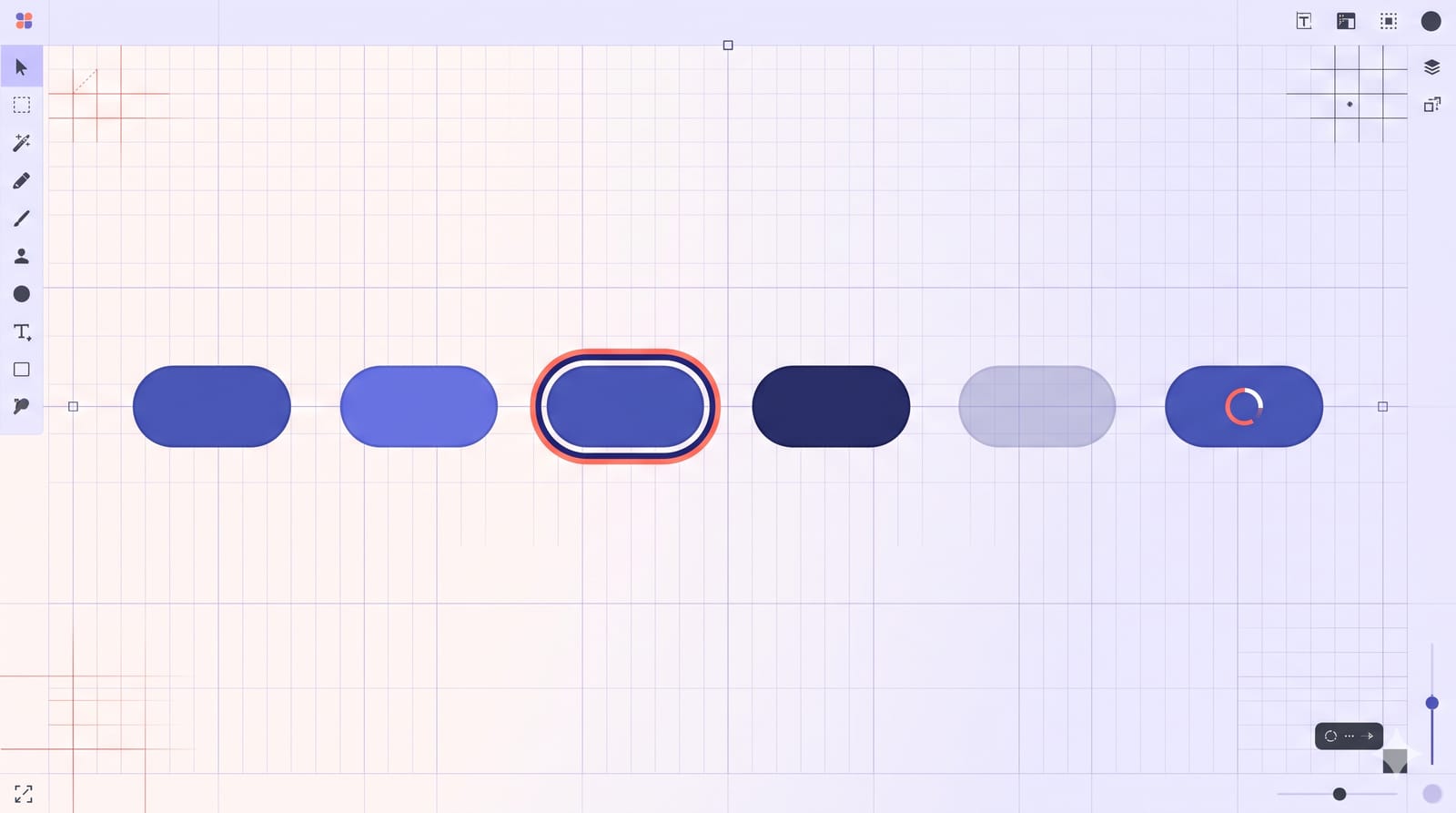
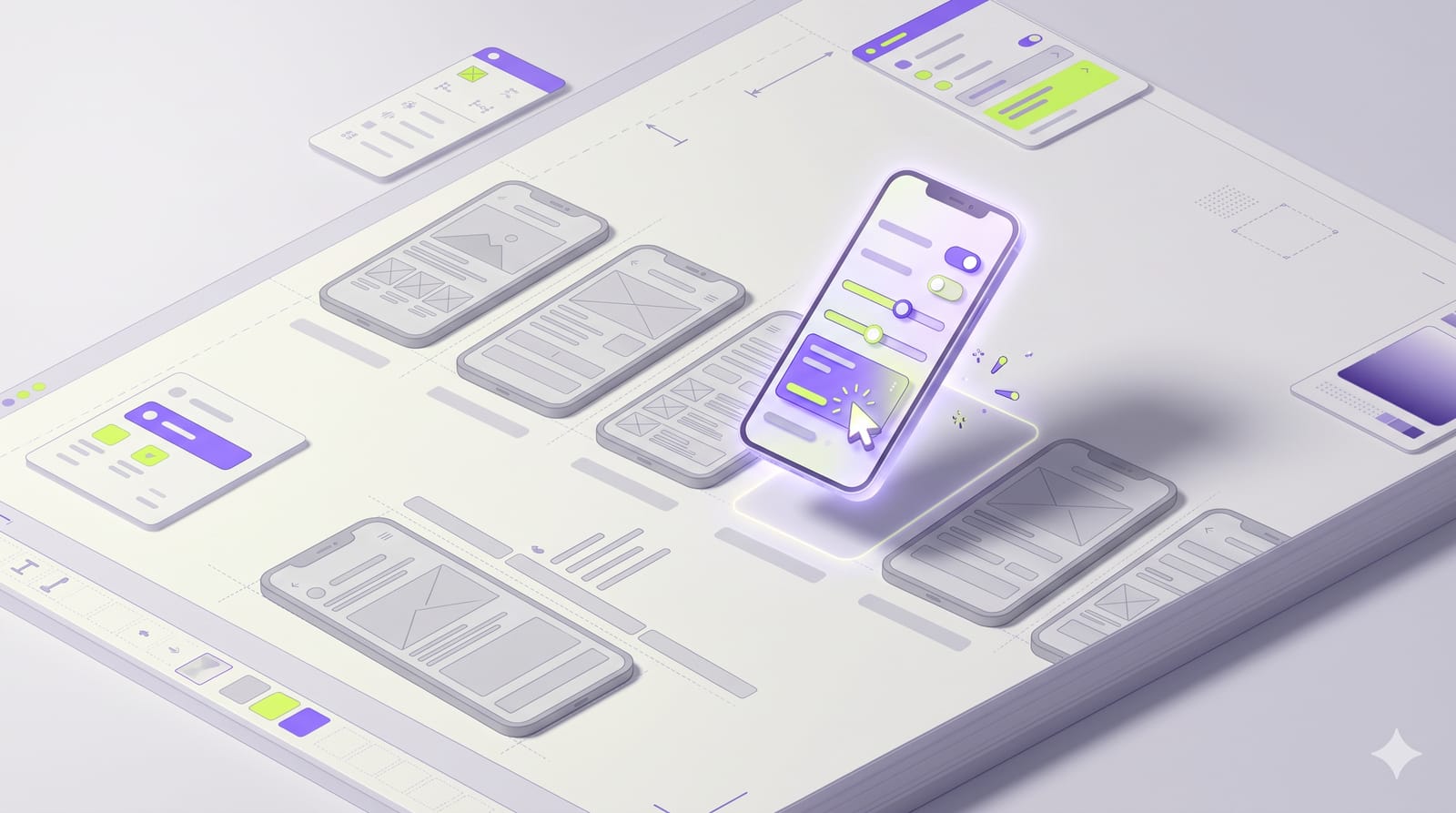
At Config India on 15 October, Figma opened code layers to everyone in open beta. A code layer, in Figma's words, "holds real, running code", sitting on the canvas next to your frames. On paid plans, creating and editing code layers is free until 4 November 2026; after that, every code layer task uses AI credits. That gives you roughly a week of free experimenting from today. Here is where code layers are worth your time, where they are not, and a small test you can run before the meter starts.
What a code layer is, in plain terms
Imagine your usual canvas: a row of frames for a checkout flow, each one a static picture of a state. Now imagine one of those frames replaced by a live, clickable version of the same screen, still on the same canvas, still next to its siblings. That is a code layer.
According to Figma's Config India help article, you can create one in four ways:
Capture a live webpage with the Figma Chrome extension and paste it onto the canvas.
Select design frames and prompt the agent to turn them into a code layer.
Clone a connected GitHub repo to build on an existing front end.
Start empty and prompt the agent to build from scratch.
It is rolling out gradually on Education (not K-12), Starter, Professional, Organization and Enterprise plans, and you need edit access. Only Enterprise admins can opt out, and they do it by turning off AI features entirely.
The date that matters: 4 November
The release notes say creating and editing code layers is free on paid plans through 4 November. Read the small print, though. Only the code layer generation and editing is free. If one prompt also asks the agent to do other work, that other work still uses credits. After 4 November, "all code layer tasks will use AI credits like other agentic AI features", and how many depends on the task's complexity.
So this week is cheap research time. Use it on a real question, not on making a pretty demo.
Where code beats a frame
States you keep drawing by hand
A form with validation has a default state, a focused state, an error state, a loading state and a success state. In frames, that is five artboards and a lot of copy-pasting. In a code layer, it is one thing you can click through. When the question is "how does this feel to use?", a live layer answers it better.
Real content lengths
Static mock-ups lie politely. Every product name is short, every address fits on one line. A code layer pulling longer, messier content shows you the truncation, the wrapped button label and the card that is suddenly twice as tall. Figma also now offers Payload, an open-source backend framework, inside code layers and Make, if you need real data behind the prototype.
Arguments about behaviour
"What happens when the user taps back here?" is a question static frames cannot settle. Ten minutes with something clickable usually ends a meeting that would otherwise go round in circles.
Where it does not help
Early exploration. When you are still deciding the shape of a screen, code slows you down. Sketches and rough frames are faster and cheaper to throw away.
Visual direction. Type, colour and composition are still easier to judge and change in frames.
Anything you will treat as a specification without checking. Agent-generated code can look finished and still ignore your design system.
That last risk is real. Figma's answer is guidelines, files attached to published libraries that the agent reads to follow your patterns, now in open beta on Professional, Organization and Enterprise plans. They help. They do not replace a designer looking at the result.
Why Figma is pushing this
Figma's Chief Design Officer, Loredana Crisan, told TechCrunch, as Dataconomy reported: "We see Figma as the place where software teams come to decide what they build and ship." Crisan also pointed out that AI has led to about 17 times as many lines of code being produced, while releases rose only 1.3 times, with much of that code "not actually built to ship, but really built to discover what the product is."
That second line is the honest pitch. Code layers are a discovery tool. Treat them that way and they are useful. Treat them as production and you will get production-shaped problems.
A one-week test before credits start
Pick one flow with many states, such as sign-up with validation or a cart with quantity changes.
Convert your existing frames into a code layer with one clear prompt. Write the prompt down.
Count how many follow-up prompts it takes to match your design system's spacing, type and components. That number is your future credit cost.
Show the live version to three people who did not design it, and note what they found that the frames never revealed.
Decide: did this answer a question faster than frames plus a developer conversation would have? If yes, budget credits for it. If no, you have spent nothing to learn that.
Keep intent and behaviour separate
My one strong opinion: do not let the code layer become the source of truth for design decisions. Keep frames, or Figma's new Specs documents, for the intent: why this layout, which hierarchy, which trade-offs. Use the code layer to test behaviour against that intent. When the two disagree, that disagreement is the most useful thing on your canvas.