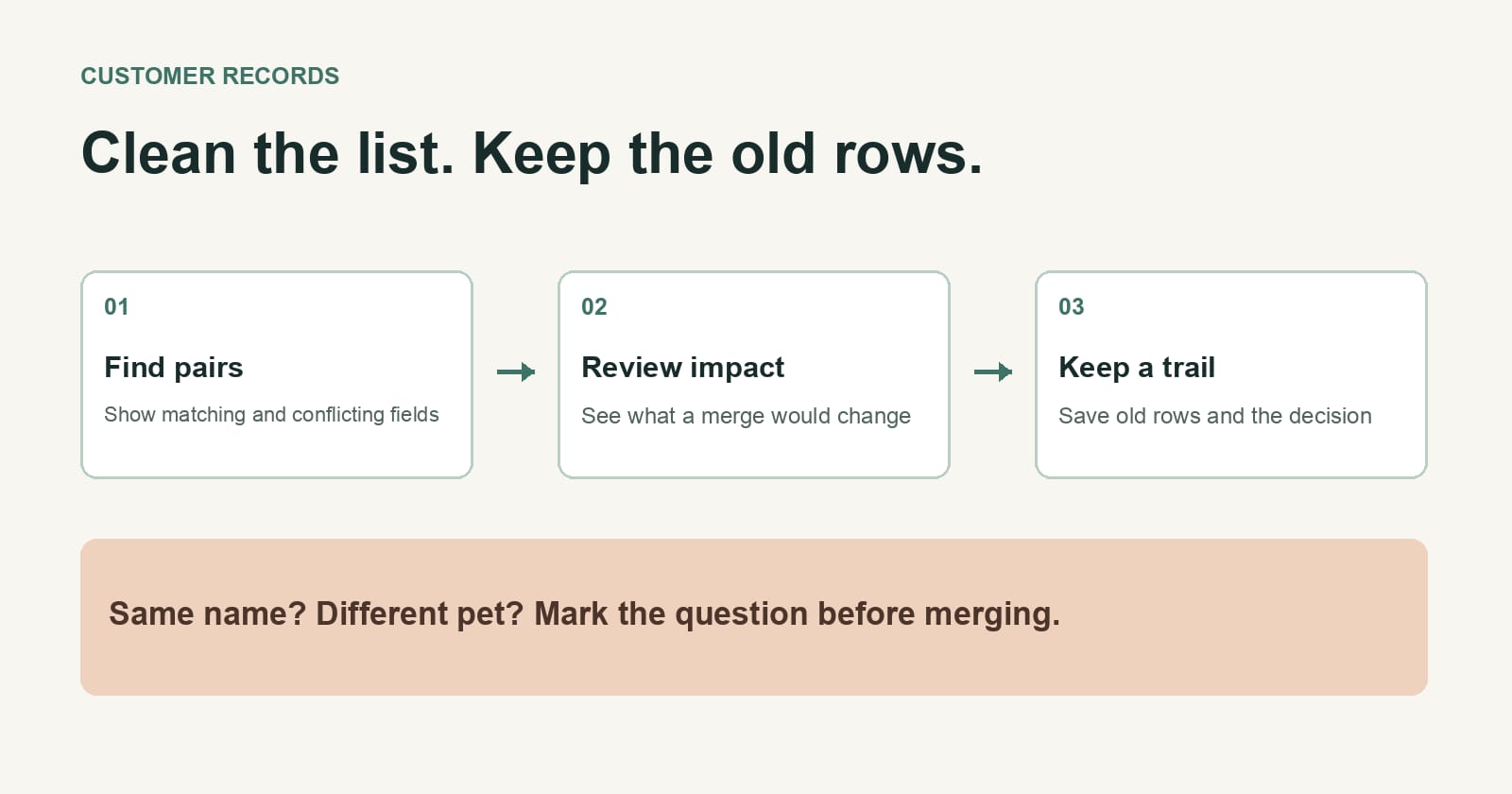
If an assistant cleans a customer list, keep the old rows and make it propose each merge. A tidy spreadsheet is useful. A customer who gets someone else's reminder because two rows looked alike is a much bigger problem.
Imagine a fictional dog-grooming shop with a booking sheet built up over several years. "Sam Lee" appears twice with the same phone number. The assistant marks them as duplicates. One row says terrier, the other says poodle. Maybe Sam has two dogs. Maybe the number belongs to a family. You won't know from matching names and phone numbers alone.
I'd ask for a review sheet with four columns: rows being compared, reason they might match, reason they might be separate, and proposed action. For this pair, the answer could be: "Same name and phone; different dogs; keep both bookings and ask the owner whether they share a customer account." That's useful cleanup work even though no merge happened.
Decide what a merge would change
Start with the consequence, not the similarity score. Does a merge change the next appointment reminder, the notes a groomer sees, or where a receipt goes? The more the merged row will be used, the stronger the evidence you need before accepting it.
For a small sheet, this instruction is enough:
Find likely duplicate customer rows. Don't delete, merge, or overwrite anything. For each pair, show the row IDs, the matching fields, the conflicting fields, and what would change if I merged them. Mark uncertain pairs for my decision. Keep a copy of the original sheet.
If you do approve a merge, record which row remains and where the old information went. A note like "row 48 merged into row 12" is much easier to undo than a clean sheet with no trace of what disappeared. If the tool you use has version history, check that it's actually on before the edit. A separate dated copy is fine for a one-off cleanup.
Let the assistant finish the easy cases
This doesn't mean inspecting every extra space or typo. You can set narrower rules for changes that don't combine people: trim blank spaces, make phone numbers use one display format, or flag missing postcodes. Ask the assistant to show a sample of the result first, then let it make that bounded change to a copy.
Keep identity decisions separate. A shared address doesn't prove two people are one customer. A changed email doesn't prove they're different. And a dog name isn't a customer ID, even if the shop knows the dog better than the owner.
In the fictional sheet, the owner might confirm that both Sam rows belong to one household with two pets. The assistant can then propose one customer record with two separate pet records, if the booking system supports that. If it doesn't, leaving two clearly labelled rows may be the better answer. A clean sheet isn't worth breaking the next visit.
Alek Perak is a Tokenrip co-founder. Tokenrip is a shared workspace for files, tasks, and decisions; agents run in the tools people already use. The merge decision still belongs to the business.