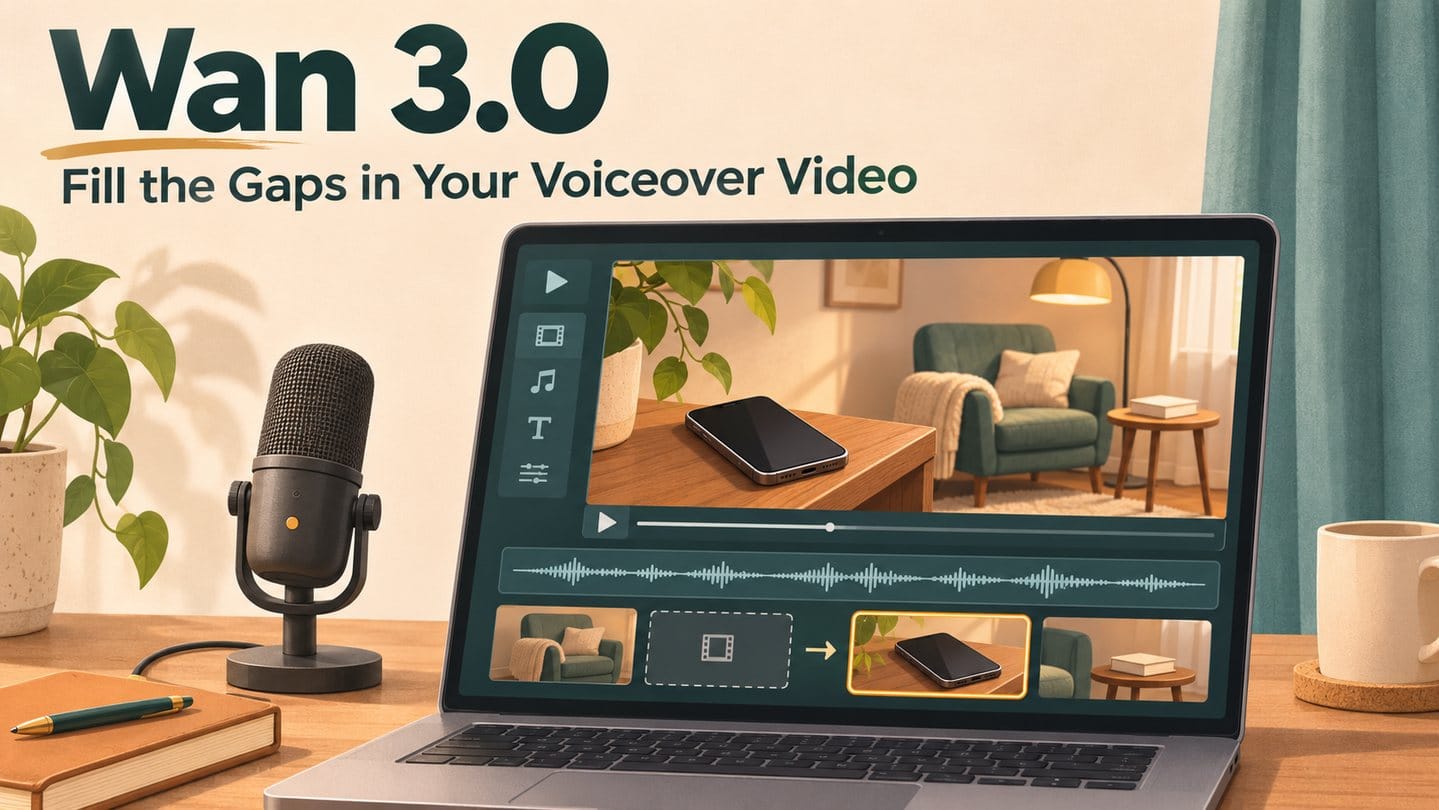
The narration is recorded and most of the edit is finished. One line still has no useful picture, so you cover it with a shot you have already used. Before searching another stock library, write down what that line needs to show. You can use Wan 3.0 to try making a short clip for that gap.
The aim is to finish the edit you already have. One well-chosen shot may be enough.
Disclosure: JXP is my website. The reading-video example below is hypothetical, and the prompts have not been tested for this article.
Give the missing shot a clear job
Imagine a short video about making time to read. The voiceover says:
“Leave your phone on a shelf across the room before you sit down to read.”
The screen shows a close-up of a book. It fits the topic, but it leaves the practical advice unexplained.
A more useful shot would show the phone on a shelf and the reading chair across the room. Write that as a brief:
Show where the phone goes in relation to the chair.
Then measure the sentence in your recording. That is the gap your clip needs to cover.
You do not have to show someone carrying the phone, putting it down and returning to the chair. Showing the final arrangement can make the point with fewer things to go wrong.
Keep the scene close to your existing footage
Use the same kind of light and setting as the surrounding shots. A modest room in soft evening light will fit simple reading footage better than a luxury interior with a dramatic camera move.
For a vertical edit, place the shelf nearer the camera and the chair farther back. Leave visible floor space between them. This gives the distance a chance to read without squeezing both objects side by side.
If the neighbouring clips have gentle movement, a slight curtain movement can help the insert fit. A still photograph is also a reasonable choice if it explains the sentence well.
Try the shot in Wan 3.0
Open the Wan 3.0 page on JXP and choose Text to Video. For this example, start with:
Vertical 9:16 shot of a modest reading corner in soft evening light. A dark-screen phone rests on a wooden shelf in the left foreground. Across the room, an unoccupied reading chair stands beside a floor lamp and a small side table holding a closed plain book. Show open floor space between the shelf and chair. Keep the phone recognizable and the chair visible. Fixed camera. A curtain moves slightly in a light breeze; all other objects remain still. Natural proportions, muted colours. No people, logos, readable text or cuts.
Choose the aspect ratio that matches your project and a duration slightly longer than the measured gap. For a four-second sentence, you could try five seconds, then trim. Check the displayed credit cost before generating.
If you already have an original or permitted image with the right layout, try Image to Video instead. Describe only the intended movement, such as a gentle curtain movement with a fixed camera.
Neither route guarantees that the scene will stay exactly as requested. Check the generated clip before adding it to your edit.
Test it where it will actually be used
Watch the result without sound first. Look for changing object shapes, odd spacing or distracting motion. If a problem is confined to one end, trim it off and check how much usable footage remains.
Place the usable section beneath the recorded sentence. Keep your voiceover as the main audio and mute generated sound if it competes.
Now play the sentence twice: once with the original book close-up, then with the new insert.
Can you understand the arrangement before the sentence ends? If the phone is too small to notice, the new shot has not done its job.
Make the next attempt address that specific problem:
ProblemChange to tryThe phone is hard to seeGive it more space in the frame while retaining the chairThe room feels too busyRemove unnecessary furnishingsMovement steals attentionReduce the curtain movementThe layout keeps failingPrepare a suitable reference image or use your own photograph
Finish the edit
Watch the new clip with the shots before and after it. Check colour, brightness and pacing. Export that short section and view it on your phone, where small details and captions may compete for space.
Keep generated scenes illustrative. If your narration claims to show your actual home, a real event or a product’s performance, use material that accurately represents it.
Start with the sentence you keep covering with the wrong footage. Try one insert in Wan 3.0, compare both edits, and keep the version that makes your point clearer.