Why silent rough cuts feel broken
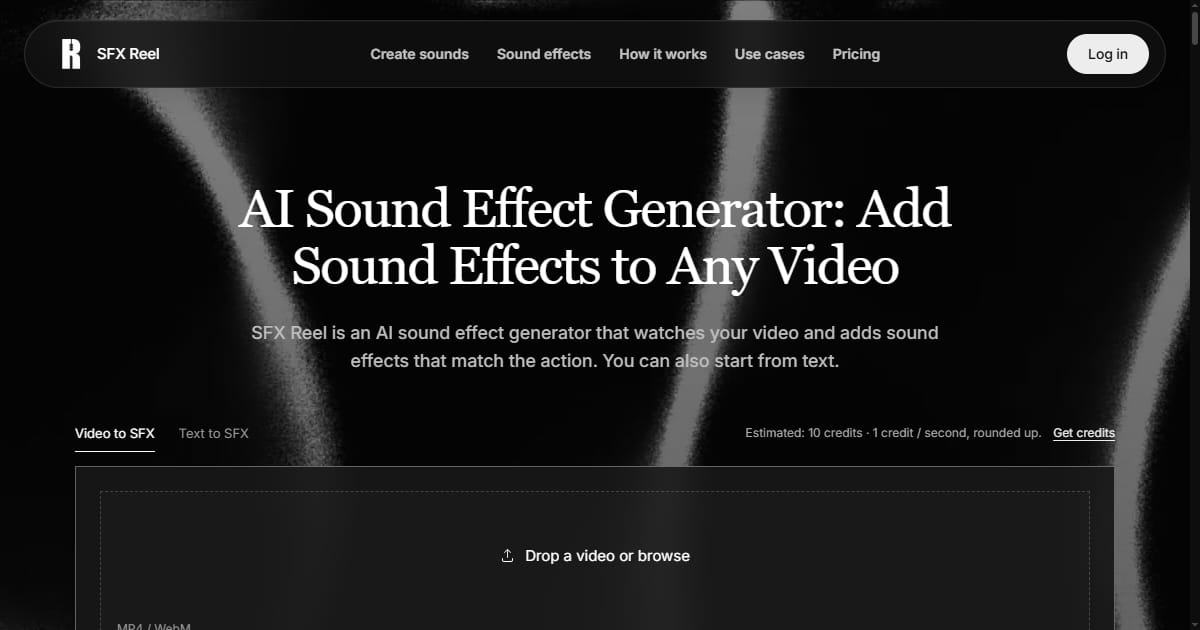
A locked picture edit with clean dialogue can still feel flat on playback. Footsteps land without weight, a door closes without a thud, a screen recording shows a button being pressed and the room stays silent. Editors have a name for the review that fixes this before any audio tool opens: a spotting pass. It is a dedicated watch of the cut where you mark, moment by moment, where sound belongs. Skipping it is a more common reason for thin-sounding creator videos than a weak sound library. According to the product page, SFX Reel generates sound effects for a video while keeping the existing dialogue intact, and can also work from a text description when there is no footage yet.
The reflex under deadline is to open a stock pack and start dragging clips onto the timeline. That produces a track that is technically present but not attached to anything happening on screen. A spotting pass reverses the order: watch the cut first, write down the beats that need sound, then go looking for those sounds specifically.
What a lightweight spotting pass looks like
It needs no special software. It needs a near-locked picture edit, a notepad, and two full passes over the cut. The first watch is for story and pacing only. The second watch is purely for sound: every cut, gesture, object interaction and ambient shift gets a timestamp and a short description.
A typical list reads like this:
00:12 cup set down on a desk, ceramic on wood
00:19 notification ping from the phone on the table
00:34 room tone changes as the door opens
00:41 transition whoosh into the next scene, no matching shot
01:02 keyboard clicks, light and fast
That list turns an open-ended search into a set of narrow requests. It also separates two different jobs. Some entries have footage behind them, so the sound can be derived from the clip. Others, like an off-screen door or a transition whoosh, have nothing on screen to work from and have to be described in words. According to the product page, SFX Reel supports both a video-to-SFX path and a text-to-SFX path, which maps onto exactly that split in a spotting list.
A worked case: the silent product demo
Consider a product demo captured as screen recording plus voiceover. The narration is solid, but every click, panel slide and success state is silent, so the result reads as a slideshow with commentary. A spotting pass on that footage usually flags four or five beats: the button press, the panel sliding in, the confirmation state, and one ambient bed so the sequence does not feel sterile.
With the list in hand, each flag becomes a small and specific task instead of a browsing session. The product page describes a preview and download step, which matters here because a click that sounds right in isolation can feel wrong once it sits under a voiceover and is matched to the exact frame of the press. Dialogue preservation matters for the same reason: the narration should not be touched while effects are layered around it, and keeping the original voice track intact is what makes the output usable for a demo rather than a from-scratch audio project.
The narrow scope is the point. You are not building a soundscape; you are closing five known gaps in a cut that already works.
The review that decides what ships
Generating an effect is not the same as approving it, and this is the step most often skipped under time pressure. Approval means hearing the new sound at the actual edit point, in context, not as a standalone clip. Three checks do most of the work: does the transient land on the visual action, does the effect compete with dialogue or music, and does it sound like it belongs to the same room as everything else.
If one of those fails, the fix is to rewrite the description or pick a different source for that single moment, then regenerate. Rebuilding the whole pass because one whoosh is wrong is wasted effort. Keeping the per-moment list makes this cheap: you know which entry failed, and you know what you asked for the first time.
Where the pass is overkill
A fifteen-second clip for an internal update does not need a timestamped list. Generate a couple of effects, listen, and ship. The overhead pays for itself when the cut is longer than a minute, when it will be revised more than once, or when the same template will be reused across a series of videos. In those cases the spotting list becomes a reusable asset, not paperwork.
The broader argument is that generated effects are a production input, not a finishing step. According to the product page, SFX Reel works from footage or from a written description and keeps dialogue in place while effects are added. Those two capabilities only pay off if a spotting pass has already told you what to ask for. The tool fills the gaps; the pass decides which gaps exist.