VMware Replacement: Planning and Executing the Migration That Does Not Derail Your Operations
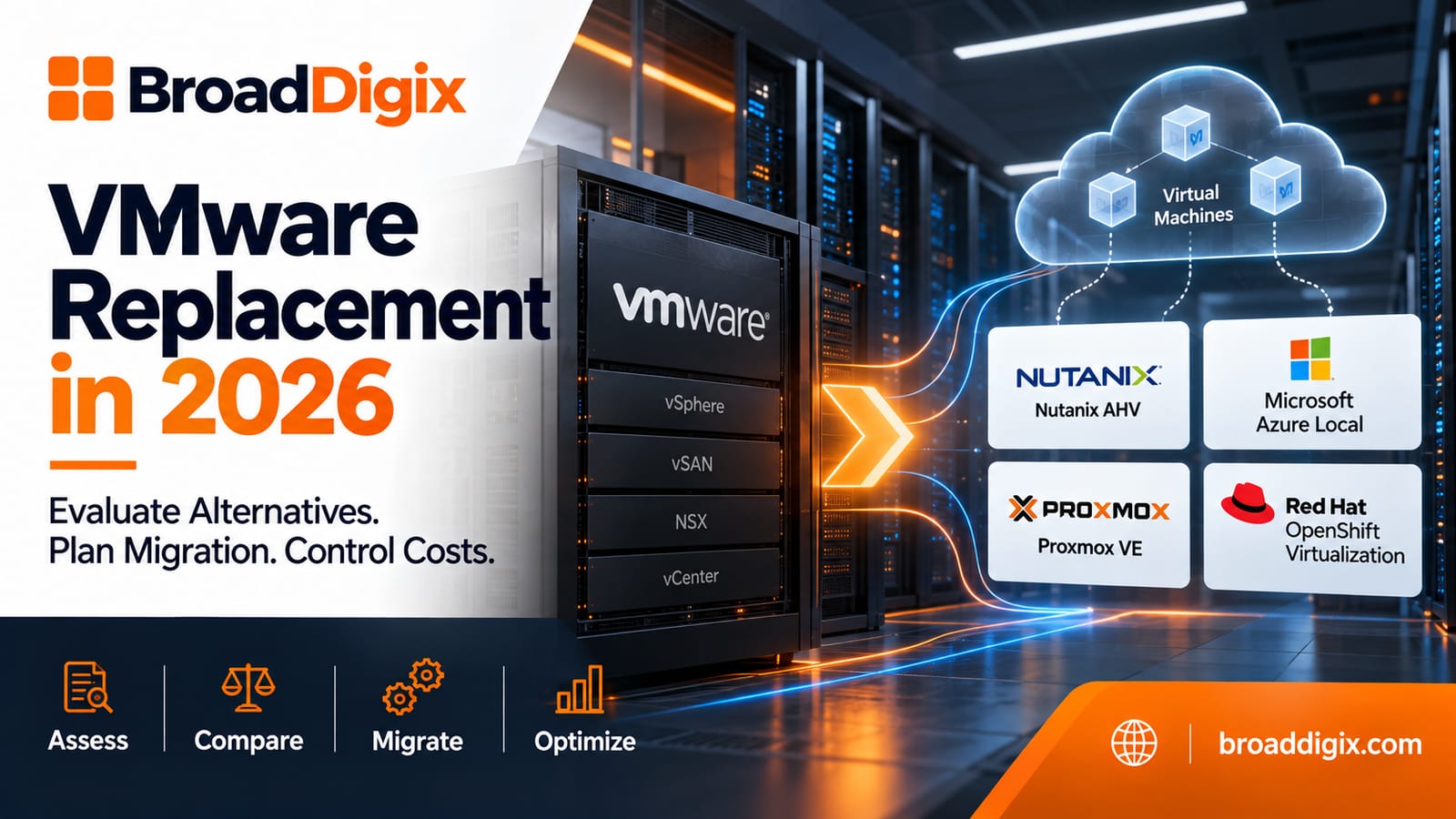
The decision to pursue a vmware replacement is the beginning of a project that will touch the most foundational layer of the organization’s IT infrastructure the virtualization platform on which most of the organization’s servers, applications, and services run. Getting the migration right matters I think migration failures are not inevitable. I think migration failures happen for a reason. they are preventable, and prevention requires planning discipline that the excitement of completing the platform selection sometimes undermines.
Organizations that have successfully completed vmware replacement migrations to their chosen broadcom vmware alternative are consistent about what made the difference between migrations that went smoothly and migrations that did not. The difference was almost always planning — specifically, how thoroughly the migration plan addressed the dependencies, sequencing, and contingency that a virtualization platform migration requires.
The Migration Plan Architecture
A VMware replacement migration plan is not a list of virtual machines with target migration dates. It is a phased, sequenced plan that accounts for the dependencies between workloads, the integration dependencies between the VMware environment and the rest of the IT infrastructure, the organizational change management required to prepare the IT team for the replacement platform, and the contingency plans for the scenarios that cannot be fully predicted.
Phase structure is the first planning dimension. Most successful vmware replacement migrations follow a phased approach that moves workloads in groups determined by their criticality, their migration complexity, and their dependencies on each other. Non-production workloads development and test environments migrate first, providing the production team with experience on the replacement platform before production workloads are touched. Lower-criticality production workloads migrate in early production phases, building confidence and operational familiarity before the most critical workloads are migrated.
The final phase migrating the most critical production workloads is the phase that deserves the most detailed planning and the most conservative approach. These are the workloads whose migration downtime has the most significant business impact, whose performance requirements are most demanding, and whose recovery in case of migration problems is most complex.
Dependency Mapping: The Work That Makes Sequencing Possible
Before workload sequencing can be determined, the dependencies between workloads need to be mapped. Application dependencies which workloads communicate with which other workloads and what the tolerance for network disruption between them during migration is determine which workloads need to migrate together rather than independently.
Many VMware environments have undocumented application dependencies that the original deployment team understood but that are not captured in any available documentation. The vmware replacement migration planning process frequently needs to discover these dependencies through network traffic analysis rather than relying on documentation that may be incomplete or outdated.
The network traffic analysis approach captures actual communication patterns between virtual machines over a representative period typically two to four weeks and uses this data to identify the dependencies that the migration sequencing needs to account for. Virtual machines that communicate frequently and cannot tolerate significant latency increases during migration are candidates for migration in the same maintenance window rather than in separate phases.
Handling VMware-Specific Features in the Migration
The features that make VMware environments complex to migrate are the same features that made vSphere compelling to deploy in the first place. NSX network virtualization. vSAN storage. DRS automation. HA configurations. Each of these features requires specific migration handling that the high-level migration plan needs to address in detail.
NSX migration is typically the most complex feature migration in a vmware replacement project. The software-defined networking configuration the logical switches, the distributed firewall rules, the load balancer configurations needs to be replicated in the replacement platform’s networking model or replaced with equivalent configurations. The translation is rarely one-to-one because different platforms implement network virtualization with different architectures.
vSAN migration requires planning for the movement of storage data from the vSAN datastore to the replacement platform’s storage architecture. The storage migration approach whether the virtual machine migration tool handles the storage movement or whether storage migration is handled separately affects the downtime required and the complexity of the migration process.
The approach to each VMware-specific feature in the broadcom vmware alternative environment needs to be defined before migration begins rather than discovered during migration when decisions under time pressure are more likely to produce errors.
Cutover Planning: The Moment That Matters Most
The cutover the moment when each workload transitions from running on vSphere to running on the replacement platform is where the migration plan’s quality is most consequential. A well-planned cutover executes quickly, with all required steps pre-tested and pre-staged, and with clear decision criteria and rollback procedures that everyone involved understands.
Cutover window sizing is the first planning decision. How long does the migration window need to be? The answer depends on the virtual machine count being migrated in the window, the migration throughput achievable with the selected migration tooling, and the testing required after each workload migrates to confirm it is functioning correctly in the replacement environment.
Rollback readiness is the contingency planning that most migration plans underinvest in. The vSphere environment being replaced should remain available throughout each cutover window as a rollback target until the migrated workloads have been confirmed to be functioning correctly in the replacement environment. Decommissioning the VMware infrastructure before the replacement platform has been validated under production conditions is a risk that is not justified by the cost savings of earlier decommissioning.
The Operational Transition After Migration
The migration of workloads to the broadcom vmware alternative platform is the middle of the vmware replacement project, not the end. After the technical migration is complete, the IT team needs to operate the replacement platform rather than VMware, and that operational transition requires its own planning and support.
Training for the replacement platform not just conceptual familiarity but the operational depth to manage incidents, perform routine maintenance, and expand the environment needs to be completed before production workloads are running on the replacement platform, not after. IT teams that are learning the replacement platform while managing a production environment on it are creating operational risk that training investment before go-live prevents.
BroadDigix provides migration planning, execution support, and operational transition services for vmware replacement projects, bringing technical depth on the replacement platforms and migration experience that reduces the risk and duration of the migration.