
A two-tab test is a practical way to check how a ChatGPT continuation extension behaves without putting real work at risk. The point is to observe controls, not to prove that generated answers are correct.
Test setup
Open two separate ChatGPT tabs using harmless fictional prompts. Call them Tab A and Tab B. In A, request a fictional workshop outline. In B, request a pretend packing checklist. Record the initial text in each tab before enabling anything. Do not include passwords, customer details, or live tasks.
Trial one: isolation
Enable continuation in Tab A and leave Tab B paused. Observe which tab shows a countdown and whether new text appears only where expected. Then reverse the states. If activity appears in the wrong tab, stop the test and record the mismatch rather than continuing.
Trial two: interrupt and resume
With a short, safe prompt running, pause the enabled tab. Note whether the next continuation stops. Resume it and watch one further step. Finally, use Stop rather than Pause. These are separate controls; a tester should not assume they have identical effects. Repeat the sequence in the second tab.
Trial three: a maximum
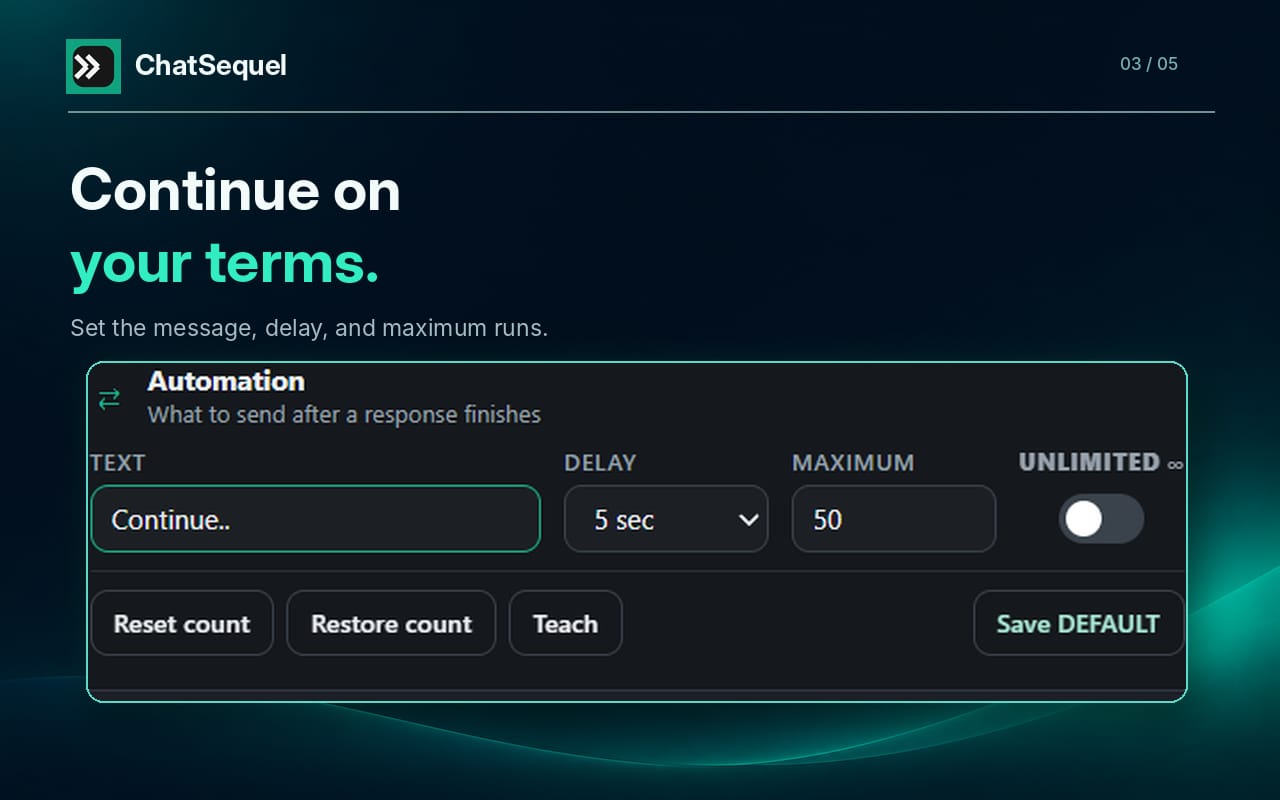
Set a small optional continuation limit before restarting a test. Count observed continuation attempts and compare the count with the displayed counter. If the values differ, capture the state and investigate. A counter tracks iterations;
it does not validate sources, completeness, or quality.
Record the evidence
For each trial, log the tab, prompt, settings, expected behavior, observed behavior, and outcome. Mark each result passed, failed, or not tested. Do not call a test passed just because a control is visible. Re-run the test after changing settings and capture any mismatch before trying again.
Where ChatSequel fits
ChatSequel is an independent Chrome extension by Prax9 for ChatGPT. Its described features include a configurable continuation delay, per-tab enable/pause/resume/stop controls, a visible countdown, a continuation counter with an optional maximum, and a context handoff workflow. The exercise above is a proposed test plan, not a claim that it was performed or that any product passed these tests.
Chrome Web Store: https://chromewebstore.google.com/detail/cdkihfdcmchokmfbpeglffiiknmmjdcj
This article was prepared with AI writing assistance using publisher-provided feature descriptions. It makes no independent security or performance claims. ChatSequel is not affiliated with or endorsed by OpenAI.