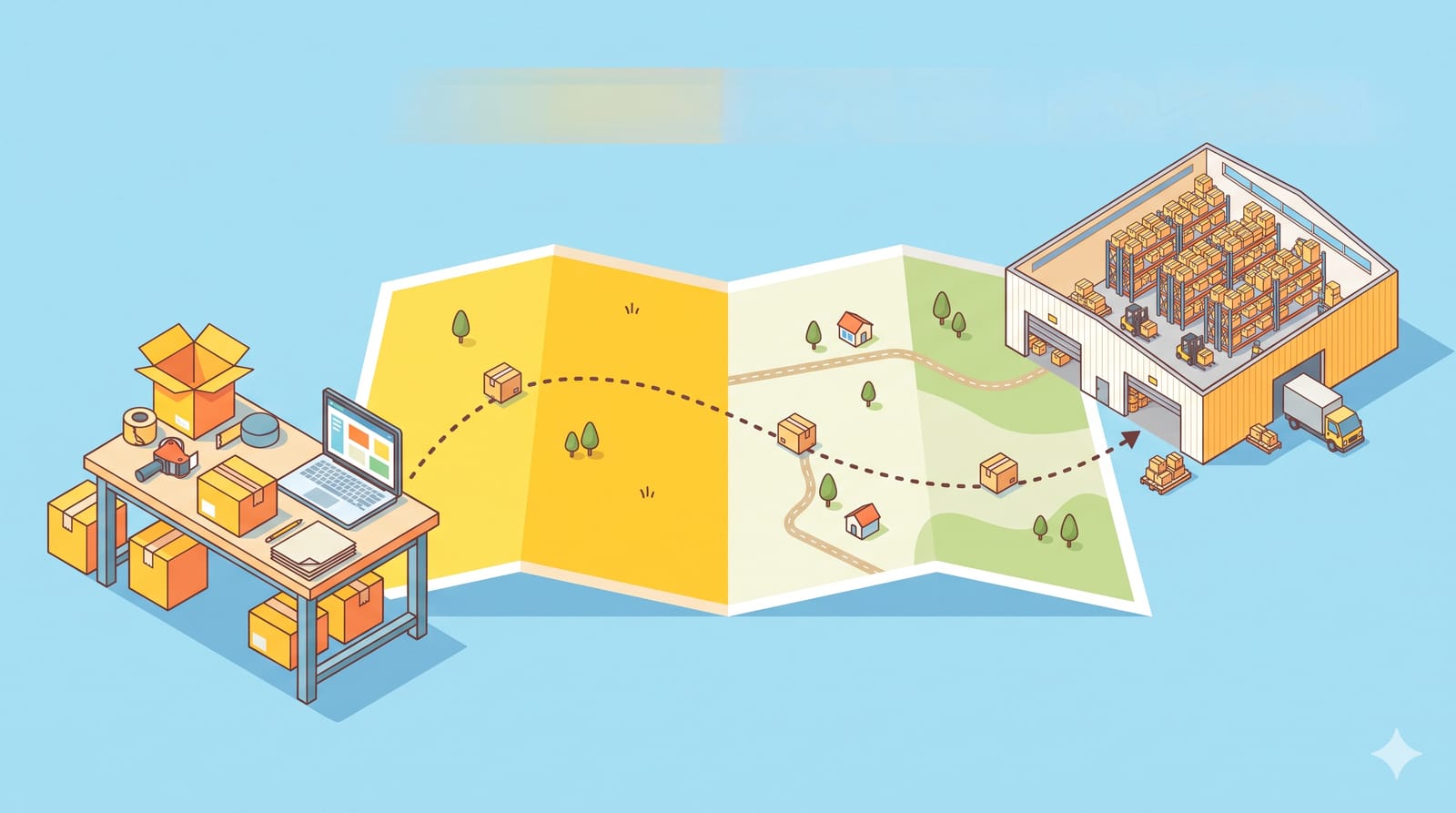

If you run a Shopify store, some of the apps powering your storefront may stop working on 1 March 2027. That is the date Shopify stops loading "script tags", an older way apps inject code into your theme. Chat buttons, review widgets, pincode checkers, COD confirmation pop-ups and tracking pixels have all used this route over the years. Most good apps have already moved on, but not all of them, and custom code your developer added years ago may be in the same boat. Here is what is changing, how to check your store in an afternoon, and the hidden costs to budget for.
The timeline in four dates
From Shopify's developer changelog (announced 24 August 2026) and its script tag deprecation guide:
26 August 2026: script tags stopped working on the Order status page (already done).
1 October 2026: apps can no longer create or update script tags. Existing ones keep running.
1 March 2027: Shopify stops injecting script tags into storefront pages. This applies to every API version, so an app can't delay it by staying on an old one.
Until then: everything you see on your store today keeps working, which is exactly why this is easy to miss.
What replaces them: app embed blocks (shipped inside theme app extensions, switched on from your theme editor) for anything visible on the storefront, and web pixels for analytics and conversion tracking.
Why this matters more than it sounds
A broken widget is annoying. A broken tracking script is expensive, because you won't notice it until your ad dashboards go quiet. If a conversion pixel loaded through a script tag stops on 1 March, your ad platforms lose sight of purchases, and campaigns that look like they stopped working may simply have stopped reporting.
The timing is tight too. If you plan a Holi or financial-year-end sale in March, the cutoff lands right before it. You do not want to discover a dead checkout widget in the middle of one.
Your afternoon audit, step by step
1. List every app that touches the storefront
Open Settings > Apps in your admin and write down each app that shows something to customers or tracks them. Typical candidates:
Chat and WhatsApp buttons
Reviews and ratings widgets
Pincode or delivery-date checkers
COD confirmation, OTP or fraud-check pop-ups
Upsell, bundle and countdown widgets
Analytics and ad pixels added through an app
2. Check which ones already use app embeds
Go to Online Store, click Edit theme, then click the App embeds icon in the sidebar, as described in Shopify's help centre. Apps listed there with a toggle are using the newer method. Shopify notes app embeds work with any theme version, so you don't need a theme upgrade for them.
Any storefront app on your list that does not appear in App embeds needs a question.
3. Ask the developer one direct question
Send each unclear app's support team a short message:
Hi, we use your app on our Shopify store. Does it still rely on script tags on the storefront? If yes, when will it move to an app embed or web pixel, and will we need to do anything before 1 March 2027?
A clear answer with a date is a good sign. A vague one is your cue to shortlist an alternative now, not in February.
4. Hunt down custom code
If a freelancer or agency ever added a tracking or widget script to your store through a private app, ask them whether it used script tags. Shopify's guide says developers can list existing script tags with the scriptTags query and remove them with scriptTagDelete, so a developer can check this in minutes.
5. Test after every switch
When an app moves to an embed, toggle it on in the theme editor, then place a test order and check that the widget appears and the purchase shows up in your analytics. Turn off the old version only after the new one works.
The hidden costs to budget for
App plan changes. Some developers may launch the updated version on a different plan. Check pricing before you assume the switch is free.
Developer hours for custom scripts. Rebuilding a custom snippet as a theme app extension or web pixel is real work. Get a quote in December so it isn't a February scramble.
Replacement apps. If an abandoned app won't be updated, moving reviews or customer data to a new one can take time. Start early.
Tracking gaps. A few days of broken pixels during a sale can cost more than any app fee. Test before campaigns, not during.
A quick decision guide
App already in App embeds: nothing to do. Tick it off.
App not in App embeds, developer gives a date before February: note it and re-check in January.
Developer can't confirm, or no reply in two weeks: shortlist a replacement and test it on a duplicate theme.
Custom script: ask your developer to check and quote now.
Line it up with your other early-2027 deadlines
This isn't the only change landing in the new year. The amended e-commerce rules take effect in January 2027; our seller checklist for the new rules covers pricing displays and disclosures you may need to touch in your theme anyway, so do both in one round of theme work. And with the November GST changes for online sellers fresh, it is a good month for a general store health check.
Block one afternoon this month for the audit. By January, you want a list where every storefront app has either a tick or a plan.