
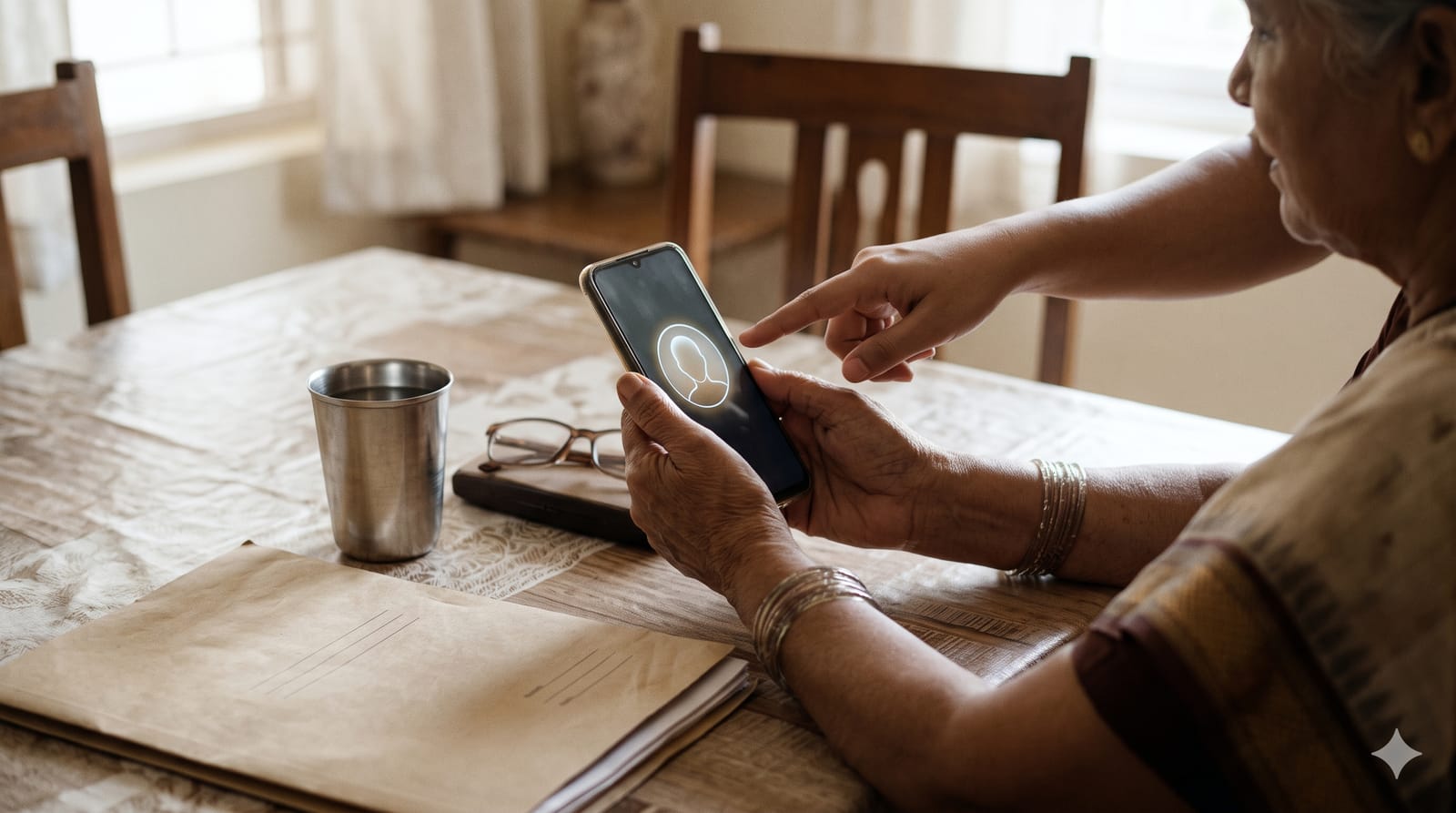
If a parent or grandparent draws a pension, November is the month to sort out their life certificate. For 2026, pensioners aged 80 and above could submit from 1 October, and everyone else can submit from 1 November, with 30 November as the last date. Most of it can now be done from a phone at home, if you have the right details ready. Here is what to keep handy, how the face-authentication route works, and the one big exception for EPS pensioners.
Dates and steps below are as published in October 2026. Check with the pension-disbursing bank if anything looks different for your family.
Who needs to submit, and when
The life certificate confirms to the pension-disbursing agency, usually a bank, that the pensioner is alive and entitled to keep receiving the pension. The Jeevan Pramaan digital service covers pensioners of the central government, state governments and other government organisations, including public sector enterprises.
For 2026, according to SBI's Digital Life Certificate page:
Pensioners aged 80 and above: from 1 October 2026.
Pensioners below 80: from 1 November 2026.
The window for the second group runs until 30 November 2026. Submitting in the first week is simply less stressful. If something fails, you still have three weeks to fix it.
The EPS exception: a rolling 12 months
If your parent's pension comes from the Employees' Pension Scheme (EPS-95) through EPFO, the November rush does not apply in the same way. As Business Today explained for EPFO's more than 82 lakh EPS pensioners, the certificate "remains valid for 12 months from the date of submission".
That makes the date of last year's submission the one that matters. If it lapses, "pension payments can be stopped from the following payment cycle", and they resume, with the delayed amount released, after a new certificate is processed. A good habit: put next year's date in your phone calendar the day you submit.
What to keep ready before you start
Aadhaar number (or Virtual ID) of the pensioner.
Pension Payment Order (PPO) number. It is on the pension papers and often in old bank correspondence.
Name of the pension-disbursing agency and the bank account the pension goes into.
A mobile number registered with the pension-disbursing authority.
One check saves a lot of trouble: SBI notes that a certificate "can be authenticated only when pensioners' accounts are seeded with their Aadhaar Number". If you are not sure the pension account is linked to Aadhaar, confirm that with the bank first.
Submitting from home with face authentication
The pensioner's face, scanned by a phone camera and matched with Aadhaar, replaces the fingerprint or the branch visit. The official Jeevan Pramaan app manual lists the phone you need: an un-rooted Android phone on version 9.0 or above, with an internet connection, at least 4 GB of RAM and a camera of 5 MP or more.
The flow, step by step:
Install two apps from the Play Store: AadhaarFaceRD (it has no icon of its own; it works in the background) and Jeevan Pramaan.
Register an "operator". This is a one-time step, and any person can be the operator, including you on your own phone. The operator enters their own Aadhaar number, mobile number and email, types in the OTP, and scans their own face once.
Now the pensioner's turn. Enter their Aadhaar and mobile number and the OTP, then fill in the pension details: type of pension, sanctioning authority, disbursing agency, PPO number and pension account number. The manual warns that incorrect details lead to rejection, so check the preview screen slowly.
Tick the consent box and scan the pensioner's face. They should sit upright facing the camera, face inside the circle, with a neutral expression and both eyes open, and blink when the app asks.
On success, the screen shows a Pramaan ID, and an SMS arrives with that ID and a link to download the certificate. The certificate goes to the disbursing agency automatically; you do not have to carry it to the bank.
Two practical tips from the manual's face-scan advice: light should come from the front, diffused, with no shadows on the face; and if your parent normally wears clear glasses, they can keep them on, but tinted glasses should come off. Save the SMS. If the bank later says it has no record, that Pramaan ID is your proof.
If the app route does not work
Elderly faces, poor light and old phones do not always cooperate. There are other routes, per SBI and the Jeevan Pramaan site:
Visit the bank branch, or a Digital Life Certificate camp if your bank runs one.
Go to a Jeevan Pramaan centre, such as a Common Service Centre, where authentication is done with a fingerprint or iris device.
Book doorstep banking through the PSB Alliance doorstep service (toll-free 9152220220), which SBI lists for pensioners who cannot travel.
A physical life certificate is still accepted if the pensioner prefers it.
Why it is worth doing in the first week
Take a parent whose pension is ₹30,000 a month. If the certificate is missed and payments pause for even one cycle, that is ₹30,000 of household cash flow that arrives late, and a few trips to the bank to fix it. Getting the certificate done on 1 to 7 November costs one quiet morning.
A family checklist for November
This weekend: find the PPO number and confirm the pension account is Aadhaar-seeded.
1 to 7 November: try the face-authentication route at home.
Same day: save the SMS with the transaction ID and download the certificate PDF.
By 15 November: if the app has not worked, book a branch visit or doorstep service.
For EPS pensioners: note the submission date and set a reminder for 11 months later.
This is general information, not financial advice. Rules can differ by pension scheme and bank, so treat the pension-disbursing bank's instructions as final.