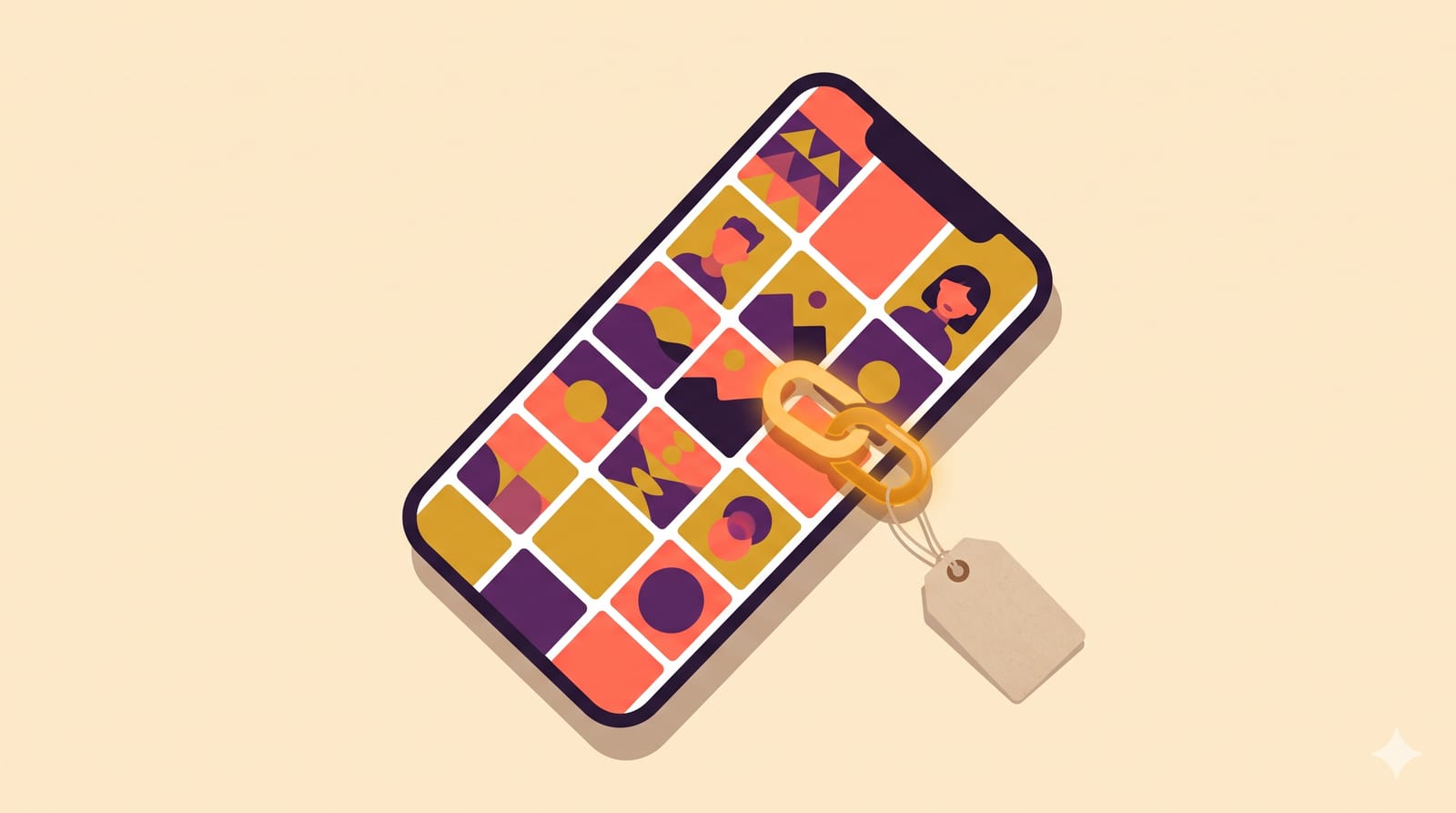
Instagram now lets you put posts you are tagged in straight onto your main profile grid. No reposting, no screenshots, no asking the other person to set up a Collab post. It started rolling out in September 2026, and it quietly changes how creators, small brands and freelancers can show off work that other people posted. Here is how it works, where it beats Collab posts, and where it does not.
How it works
According to Republic World's report from 12 September, there are three ways to add a tagged post to your grid:
From the DM notification you get when someone tags you.
From the post itself, via the three-dot menu.
From your Tagged tab, by pressing and holding a post.
The post then sits on your grid alongside your own posts, and you can move it around like anything else. Taking it off your grid does not delete the original or remove your tag. It goes back to living in your Tagged tab and on the original creator's profile.
Metricool's breakdown sums up the difference from older options: no duplicate content, nothing to republish, and the post stays where it was originally published.
Tagged-to-grid vs Collab posts vs reposting
Instagram already had two ways to share someone else's content. Here is how the new one compares, in plain terms.
Collab posts
Both accounts are co-authors from the start, and the post shows on both grids. Good for planned partnerships. The catch: it has to be set up before publishing, and the other account has to accept the invite.
Reposting or re-uploading
You publish a copy. You get a fresh post, but you split the engagement and create duplicates. For video, it can also run into originality issues on some platforms.
Tagged-to-grid
Nothing is planned and nothing is copied. Someone tags you, and you decide later whether it belongs on your grid. The original post and its likes and comments stay with the person who posted it.
That last point matters. If you are adding a post to your grid hoping for a boost in your own engagement numbers, you are probably using the wrong tool. Think of it as display, not distribution.
Five ways to actually use it
Client testimonials, in their words. If you are a freelancer or small business and a happy client posts about your work and tags you, put it on your grid. It is social proof that you did not write yourself, which is worth more than any "what our clients say" graphic.
Brand campaign proof for creators. When a brand posts your content and tags you, add it. Your grid then shows prospective brands that companies actually publish your work.
Customer photos for D2C brands. A grid with a few real customer photos among the polished product shots feels more trustworthy. Ask before featuring, even though the feature does not require it. It is basic courtesy.
Event and festival coverage. Diwali events, workshops, launches: when others photograph you there, you can show it without anyone sending you the files.
Team and collaborator spotlights. Small agencies and studios can surface posts where employees or partners tag the business.
Where to be careful
You do not control the post. It is someone else's content, with their caption and their comments section. If they edit the caption into something you would not endorse, it is still on your grid until you remove it. Read the caption before adding.
Paid content still needs a label. If a tagged post is part of a paid deal, check that it carries a clear disclosure before you feature it. Adding it to your grid puts it in front of your audience too.
Do not turn your grid into a scrapbook. A grid that is half other people's posts loses your own voice. A useful rule: one tagged post for every four or five of your own, and only ones that say something about what you do.
Watch the grid's look. Other people's photos will not match your colours or style. If your grid is part of your brand, place tagged posts where they fit visually.
How to measure whether it helps
Skip vanity numbers. The tagged post's likes belong to its original creator anyway. Instead, look at:
Profile visits to follows. If your follow rate from profile visits goes up after you add a few strong testimonials, they are working.
DMs and enquiries. Ask new clients or brand contacts what made them get in touch. If they mention a tagged post, you have your answer.
Link clicks from your profile. A grid that builds trust should send more people to your website or booking link.
Give it a month before judging. Change one thing at a time, or you will not know what made the difference.
Part of a bigger shift
This fits a pattern in Instagram's recent updates. Brand Nation's October 2026 social media roundup lists it next to a refreshed Reels creation guide, as Instagram keeps giving accounts more control over how their profile looks. For anyone who earns from their profile, that is good news. Your grid is your portfolio. This makes it easier to fill it with proof that other people value your work.