Narration problems surface too late in the pipeline
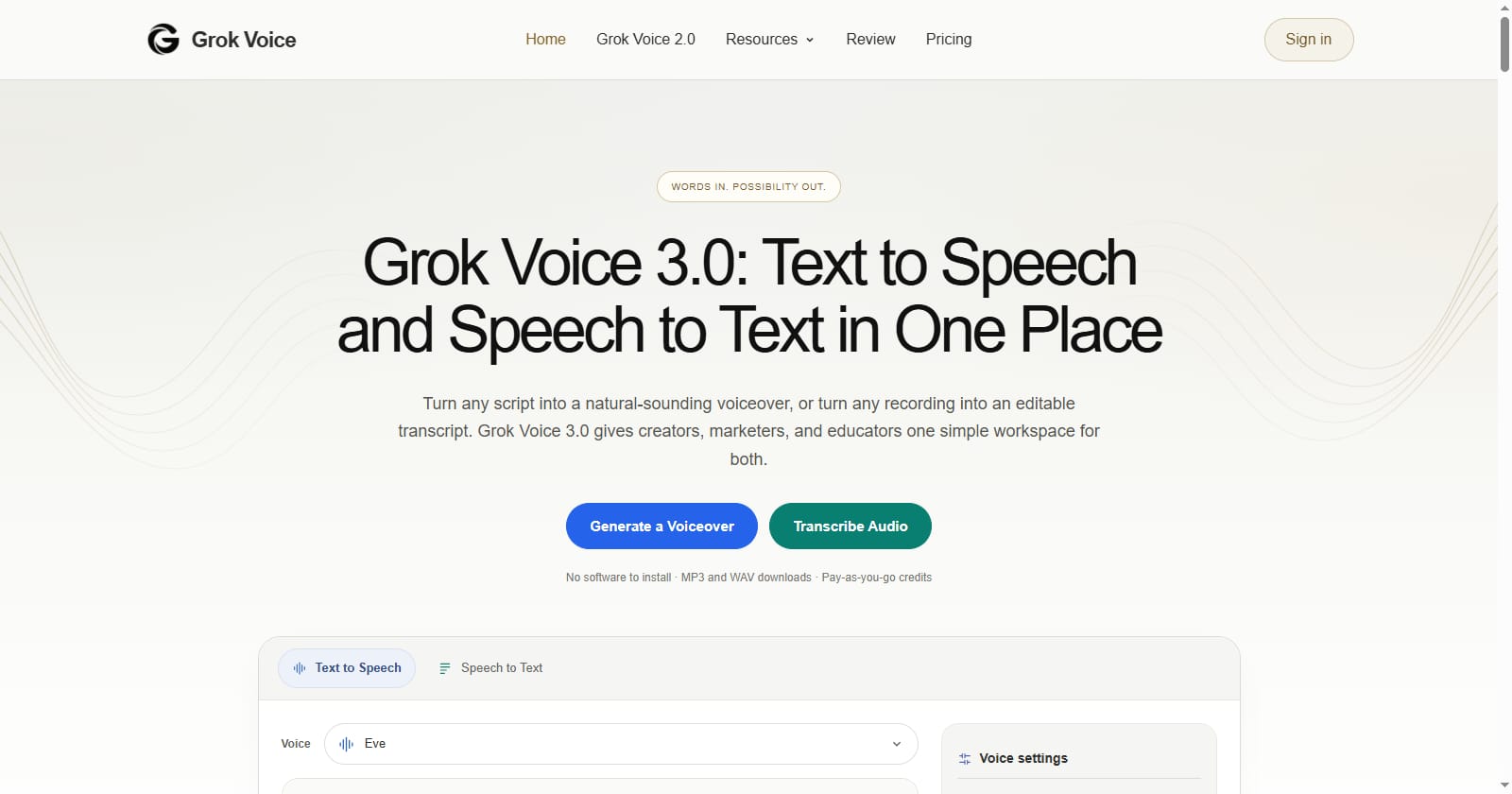
Most production teams do not discover that a voiceover is wrong until the edit is nearly finished. The pacing fights the cuts, a product name is pronounced three different ways across takes, and the caption file drifts by half a second. According to the product page, Grok Voice 3.0 puts text to speech and speech to text in a single browser workspace, with MP3 and WAV downloads, optional word timestamps, and results saved to My Creations. That combination matters less as a novelty and more as the missing half of a review loop.
The loop is simple: write the script, synthesize a take, transcribe the take back to text, and diff the transcript against the script you approved. If the two disagree, you have found a pronunciation or pacing defect before a human editor spends an hour working around it. A tool such as Grok Voice 3.0 is useful here precisely because both directions live in one place, so the round trip does not require exporting between unrelated services.
Step one: write a narration spec, not a paragraph
Free-form scripts fail review because every reviewer judges a different thing. A short spec fixes the vocabulary of the review. Keep it in the repository next to the script so the next revision starts from the same assumptions.
narration_spec:
  locale: en-US
  voice: single voice, consistent across acts
  speaking_rate: matched to cut length, not to word count
  must_pronounce_exactly: ["product name", "brand name", "acronyms"]
  numbers: read as spoken form ("three point zero", not "3.0")
  deliverable: MP3 for review, WAV for the final mix
  captions: word-level timestamps required
  banned: sentence-level rewrites during synthesis
Two items do most of the work. The pronunciation list turns an aesthetic argument into a pass or fail. The numbers rule prevents the mismatch where a written "3.0" is read differently in each regenerated take.
Step two: run the round trip before anyone listens
Generate the take, then run the same audio back through the transcription side and compare. This is a mechanical check, not a taste judgement, so it can happen before the creative review and it catches the defects that are hardest to hear: dropped words at sentence boundaries, a swallowed consonant, a number spoken in the wrong form.
Transcript length is within a few words of the script; large gaps mean dropped audio.
Every term on the pronunciation list appears in the transcript spelled the way you expect.
Numbers match the spoken form defined in the spec.
No sentence is silently reordered or merged.
Timestamps exist for every word if captions are a deliverable.
Anything that fails is a defect report against the spec, not an opinion about the voice.
Step three: name takes so revisions are comparable
The quiet cost of voice work is version confusion. Six takes named export-final, export-final-2 and export-final-2-fixed cannot be audited later. Because generations are kept in My Creations, the practical rule is to encode the spec revision into the script itself, then treat the saved take as a build artifact of that revision. When a client asks for "one more revision", you can regenerate from the same spec revision instead of guessing which file was the approved one.
Keep a one-line changelog per take: what changed in the spec, and which checklist item it was meant to fix. That changelog is what makes a second round of review fast.
Step four: use the transcript for captions, not for editing
Word timestamps make the transcript usable as a caption source, which removes a separate alignment step. The discipline is to treat the transcript as evidence rather than as a script. Editing the transcript to look cleaner than the audio produces captions that no longer match what a viewer hears, and that mismatch is a common accessibility defect.
If the audio needs to change, change the script and regenerate; do not patch the transcript.
Where the loop stops being worth it
A single thirty-second voiceover for an internal demo does not need a spec, a round trip and a changelog. The overhead is justified when the deliverable is long, when it will be revised more than once, or when captions are part of the contract. Below that threshold, generate a take, listen, and ship.
The broader point is that generated narration is a production input, not a magic step. According to the product page, the workspace supports both directions of the same problem and keeps past results available; the review loop described here is what turns those two features into a repeatable process rather than a folder of takes nobody can defend.