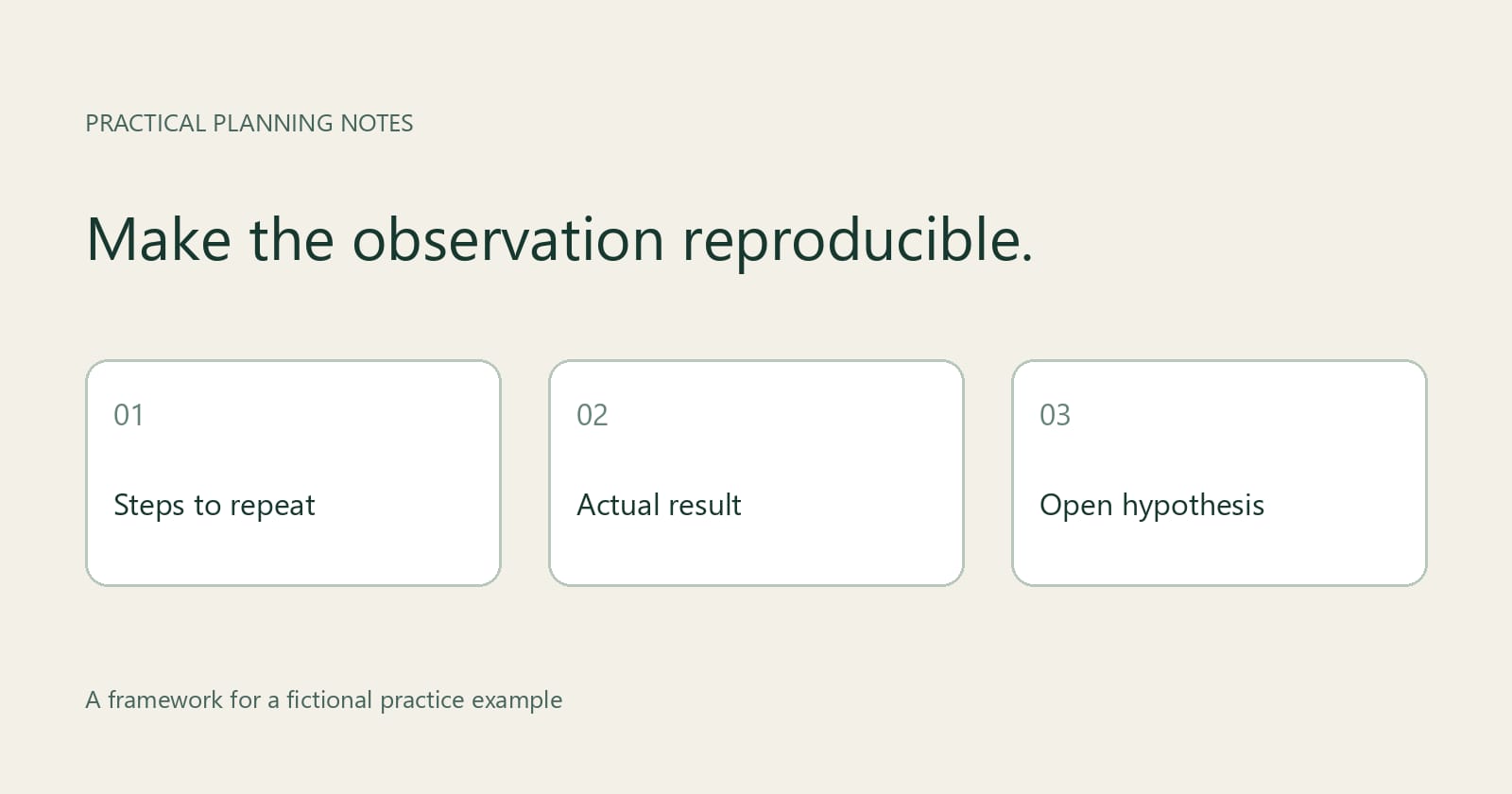
A useful bug report tells another person what to do, what happened, and what you expected, while keeping any guess about the cause clearly separate. For a practice exercise, use a fictional local task-list demo in which an unsaved filter disappears when the page reloads.
The central decision is whether you have evidence of a product defect or only a surprising result. In this example, assume the demo's stated requirement says the selected filter should survive a reload even when the user has not saved it. Without that requirement, the same behavior might be intentional, so record the expectation as an assumption to confirm.
What should the practice report contain?
Start with a title that names the visible problem and its trigger: “Unsaved task filter resets after page reload.” GitHub's issue quickstart recommends a descriptive title and, for a bug report, reproduction steps together with expected and actual results. Its example issue forms also include fields for environment and additional context.
The following is a worked scenario, not a test of a real application. Its versions and results are illustrative. If you run your own exercise, replace every environment detail and result with what you actually used and observed.
Environment: Fictional Task List demo, practice build 1.0, running locally on Windows 11 in Chrome 130. The demo's assumed requirement is that the current filter remains selected after a normal page reload, even if the filter has not been saved. A normal reload means using the browser's reload control; it does not mean closing the browser, clearing data, or restarting the demo.
Minimal dummy data: Create two tasks, “Draft outline” marked Open and “Review outline” marked Done. Start with the All filter selected. These two records make the filter's effect visible: All shows both tasks, while Open shows only the first. No names, real work items, accounts, or confidential information are needed.
Steps to reproduce: 1. Open the local demo and confirm that All is selected and both dummy tasks are visible. 2. Select the Open filter. 3. Confirm that Open is selected and only “Draft outline” is visible. 4. Do not save the filter. 5. Use the browser's reload control and wait for the task list to appear.
Expected result: Open remains selected after reload, and only “Draft outline” is shown, as required by the assumed practice specification. Actual result: All is selected after reload, and both tasks are shown. The tasks themselves remain present in this fictional result; the reported problem concerns the filter selection.
Reproduction status: In the hypothetical first-browser run, the result occurred on two attempts from the stated starting conditions. That count is part of the example, not evidence from a real test. In your own report, record the number of attempts and outcomes, including inconsistent runs; if you tried only once, say so.
How do you distinguish a result from a diagnosis?
An observation describes something a tester could check. A diagnosis explains why it happened and requires supporting evidence. The filter returning to All is observable in the scenario; the internal reason for that change is not established by the screen alone.
A useful hypothesis can still help someone investigate. Add it after the report's results and label it explicitly: “Hypothesis, not verified: the selected filter may not be restored when the page reloads.” This points to a possible area of investigation without claiming knowledge of the implementation.
Avoid writing “local storage is broken,” “the reload handler deletes the filter,” or “the database is at fault” unless you have evidence for those specific claims. The demo might use a different persistence mechanism, or the application might deliberately reset unsaved selections. Even a visible error message should be reported as an error message unless further evidence establishes what caused it.
Statement | Classification | How to use it
After reload, All is selected and both tasks appear. | Observable result | Put it under actual behavior with the conditions and attempt count.
The filter may not be restored after reload. | Hypothesis | Label it as unverified and keep it separate from the result.
The reload handler deletes the saved filter. | Unsupported diagnosis | Do not present it as fact without evidence of that mechanism.
Open should remain selected after reload. | Expected behavior | Name the requirement or mark the expectation as an assumption.
How should you repeat the exercise in another browser?
Change the browser while keeping the demo build, operating system, dummy tasks, starting filter, and reload action as consistent as possible. For the hypothetical second run, open the same local build in Firefox, record its actual version, recreate or verify the two dummy tasks, and repeat the original steps. Confirm that the second browser can reach the same local demo before interpreting the result.
Write the result independently for each browser. If Open resets in both, report that it reproduced in both tested environments; this does not prove that every browser is affected or establish the cause. If it resets only in the first, report the difference and the exact conditions. A difference is a lead for investigation, not proof that the first browser is defective.
If you cannot reproduce the result in the second browser, check that you used the same build, data, starting state, and reload action. Note meaningful differences, such as a browser profile or extension that was enabled in one run. Do not quietly change several conditions and then attribute the outcome to the browser. If a consistent setup is not possible, say what differed.
Record an inconclusive run honestly too. A second browser that cannot open the local demo, a missing task, or an uncertain filter selection does not establish either reproduction or non-reproduction. Correct the setup and try again if practical; otherwise leave the limitation in the report.
What limitations and evidence belong in the final report?
State what the exercise did not establish: whether saved filters behave differently, whether the result occurs after closing and reopening the browser, whether other builds are affected, and whether the assumed persistence requirement is the intended design. These are open questions, not implied failures. Add a separate test only when it answers a useful question, and record its steps and result separately.
A before-and-after screenshot can make the selected filter and visible tasks easier to compare, but it should support the written steps rather than replace them. Use dummy data and inspect images or logs for private information before sharing. If the behavior is intermittent, report the observed outcomes and conditions rather than choosing the clearest run.
Before submitting a real issue, follow the repository's issue form if one exists and check for an existing report describing the same behavior. Include the application build, operating system, browser and version, setup, expected and actual results, and any evidence you can safely share. If a required detail is unknown, mark it unknown instead of guessing.
For someone preparing examples of technical communication for a remote-job application, a clearly labeled practice report can be a useful work sample when the application permits one. After refining the report, Talyca application planning resources can help with the separate task of presenting relevant skills in an application. Describe the example as fictional and avoid implying that it documents a production defect or a result for an employer.