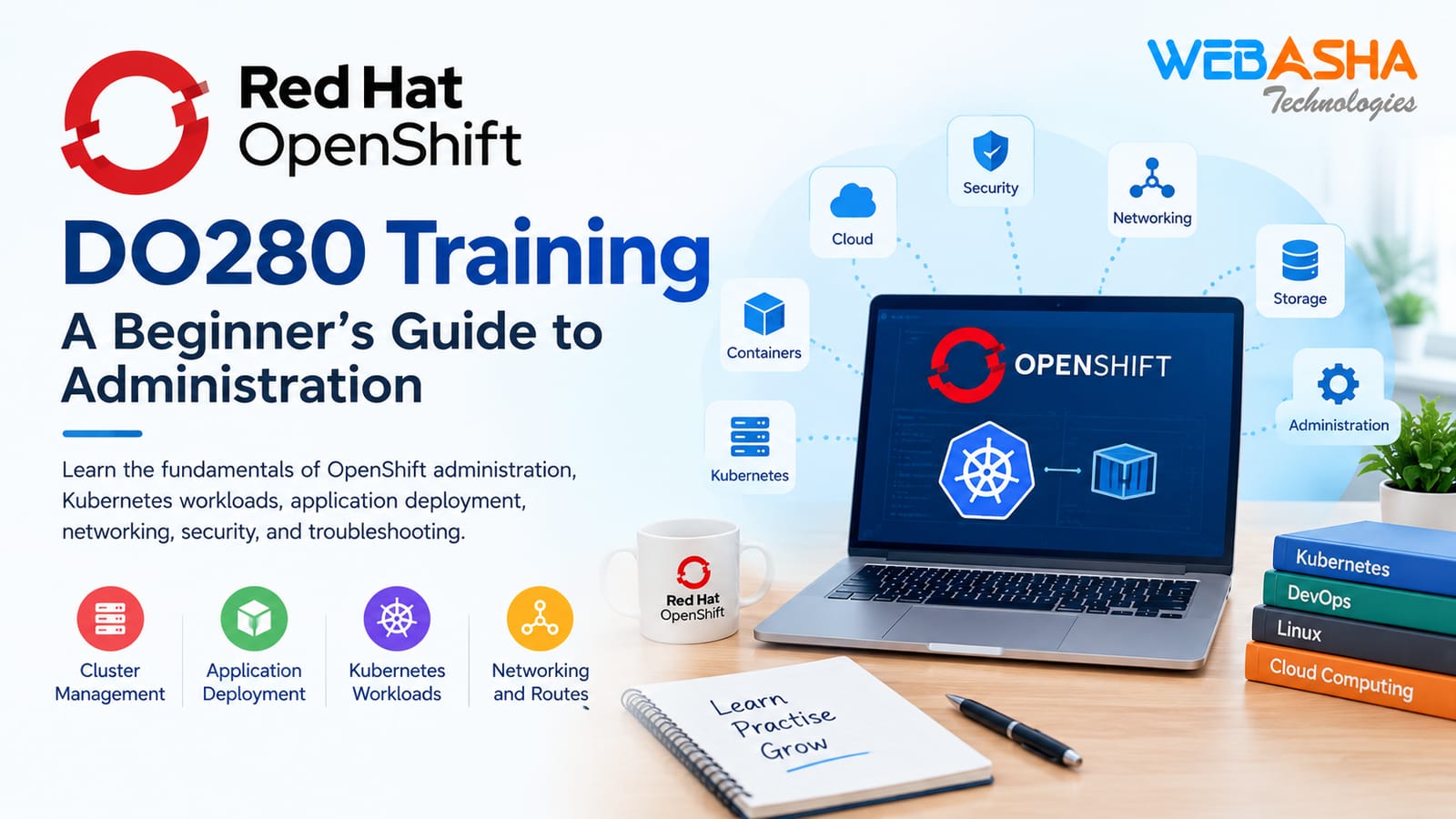
Practical OpenShift DO280 administration and Kubernetes skills.
Red Hat OpenShift is a platform for building, deploying, and managing containerized applications. It is based on Kubernetes and helps teams run applications in cloud-native environments.
Learning OpenShift administration can help IT students, Linux administrators, and aspiring DevOps professionals build practical technical skills.
What Is Red Hat OpenShift Administration?
OpenShift administration involves managing applications and resources in a cluster. Administrators work with projects, pods, deployments, networking, storage, and security settings.
The goal is to keep applications running smoothly and make them easier to manage.
Key OpenShift Administration Topics
1. Kubernetes Workloads
Kubernetes workloads run applications inside a cluster. Pods provide the environment for running containers, while deployments help manage application replicas and updates.
Understanding these resources is an important first step in learning OpenShift.
2. Application Deployment
Application deployment means running an application on the OpenShift platform. Administrators can create deployments, check rollout status, and manage updates.
Practicing these tasks helps learners understand how applications move from development to a running environment.
3. OpenShift Networking and Routes
Networking allows applications and services to communicate. OpenShift services provide stable access to workloads, while routes can make applications available outside the cluster.
Learning these concepts helps administrators understand application connectivity.
4. Storage Management
Some applications need to keep data even when a pod restarts. OpenShift supports persistent storage through persistent volumes and persistent volume claims.
Understanding storage helps learners manage applications that require durable data.
5. Security and Access Control
Security is an important part of OpenShift administration. Role-based access control (RBAC) helps administrators decide who can access cluster resources.
Service accounts and suitable permissions also help protect applications and infrastructure. Using the principle of least privilege can reduce unnecessary access.
6. Troubleshooting OpenShift Applications
Applications may fail to start or become unavailable. Administrators can investigate these issues by checking pod status, events, logs, and deployment conditions.
Regular troubleshooting practice helps learners identify problems and understand possible solutions.
How to Build OpenShift Administration Skills
Start with Linux and Kubernetes fundamentals. Then learn basic OpenShift commands and resource management.
Follow these steps to build practical knowledge:
Practice Linux commands and file permissions.
Learn how pods and deployments work.
Deploy a sample application in a lab.
Explore services, routes, and storage.
Review access permissions and security settings.
Use logs and events to troubleshoot common problems.
Always practice in an authorized lab environment. Refer to official Red Hat documentation for current technical instructions.
Red Hat OpenShift DO280 Training
Learners who want to develop OpenShift administration skills can explore the Red Hat OpenShift training course from WebAsha Technologies.
Review the course information to understand its coverage and suitability for your learning goals.
You can also visit the WebAsha Technologies website to explore additional IT training resources.
Conclusion
Red Hat OpenShift administration combines Kubernetes concepts with practical application management. Learning about workloads, deployment, networking, storage, security, and troubleshooting can help learners develop a strong foundation in cloud-native technologies.
Consistent practice, clear documentation, and hands-on lab exercises are useful ways to improve your skills over time.