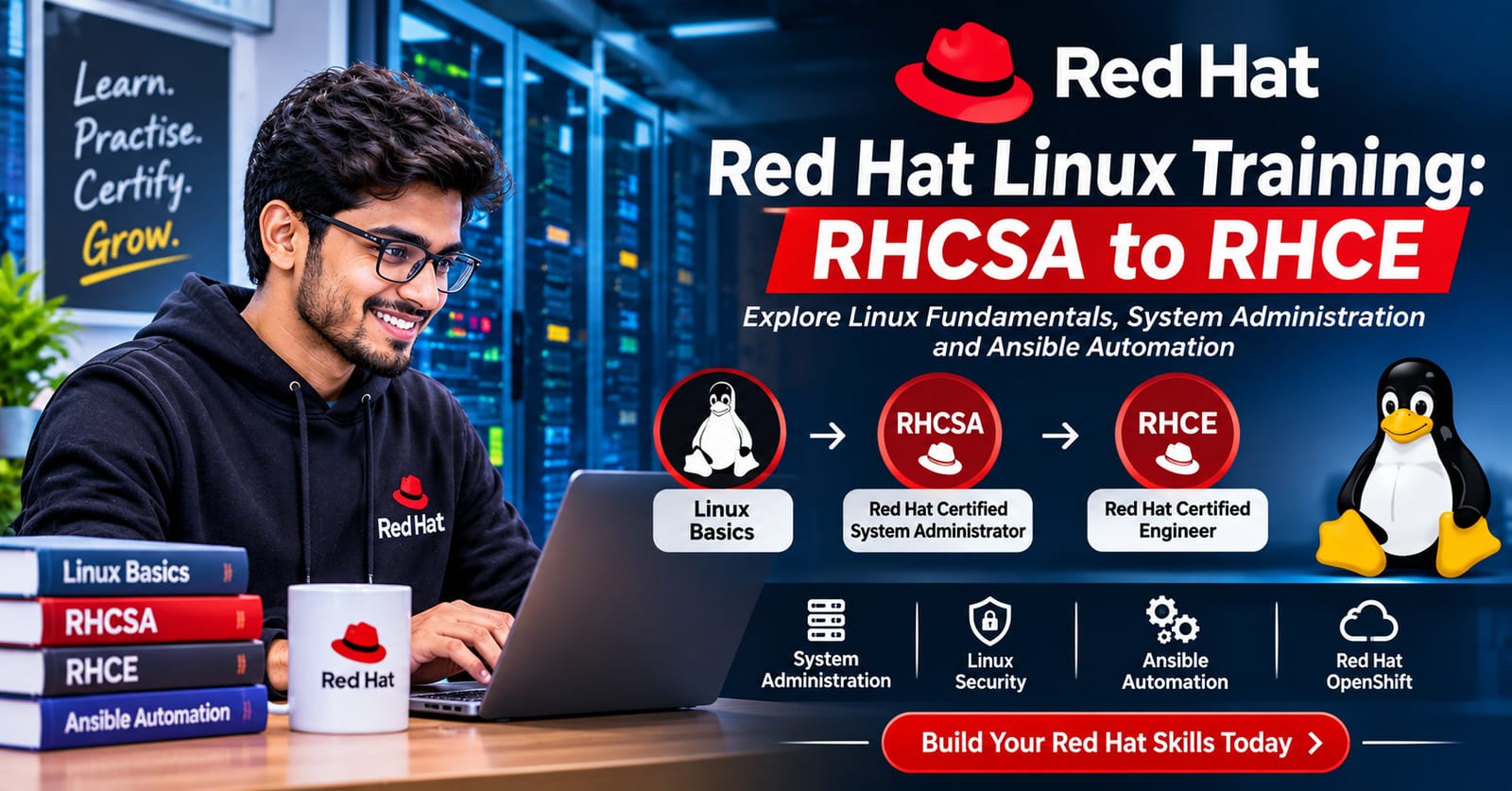
Imagine starting your first day as a Linux system administrator.
You open a terminal and see a screen full of commands. You need to manage users, check services, configure storage, and solve system problems.
At first, everything may look difficult. But with regular practice, these tasks become easier.
This is how many Linux learning journeys begin.
Red Hat Linux is widely used in enterprise IT environments. Learning it can help students and IT professionals build useful system administration skills.
What Is Red Hat Linux?
Red Hat Enterprise Linux, also known as RHEL, is an operating system used by businesses and IT teams.
It helps run servers, applications, and enterprise systems. System administrators use it to manage users, storage, networks, security, and services.
Learning Red Hat Linux gives you a foundation in Linux system administration.
Start with Linux Fundamentals
Before learning advanced topics, understand the basics.
Start with the Linux command line. Learn how to create files, manage folders, and work with system commands.
You should also study:
Linux file systems
Users and groups
File permissions
Package management
Process management
Network settings
System services
These skills prepare you for more advanced Linux tasks.
Meet RHCSA: Your First Major Step
After learning Linux basics, you can explore the RHCSA certification.
RHCSA stands for Red Hat Certified System Administrator.
It focuses on practical system administration skills. You learn how to configure and manage a Red Hat Enterprise Linux system.
Important topics include:
User and group management
Storage and file systems
Network configuration
System services
Security and SELinux
Software management
Basic troubleshooting
The RHCSA exam tests practical skills. Regular lab practice is important when preparing for it.
Move Forward with RHCE
Once you understand system administration, you can explore RHCE.
RHCE stands for Red Hat Certified Engineer.
It builds on Linux administration and focuses on automation with Ansible.
You can learn how to create playbooks, manage configurations, use roles, and automate repeated tasks.
Automation helps IT teams manage many systems more efficiently.
Why Practical Linux Training Matters
Reading commands is only the beginning.
You need to use them in a real or virtual lab. Practice helps you understand how Linux systems behave.
For example, imagine a server service stops working. You need to check its status, review logs, find the issue, and restore the service.
Exercises like this help build troubleshooting skills.
What Can You Learn Through Red Hat Training?
A structured learning path can help you move from basic Linux knowledge to advanced administration.
You can explore areas such as:
Linux fundamentals
RHCSA system administration
RHCE and Ansible automation
Red Hat OpenShift
Linux security
Server management and troubleshooting
Choose topics based on your current knowledge and career goals.
Career Opportunities After Learning Linux
Linux skills are useful across many IT roles.
Depending on your knowledge and experience, you can explore roles such as:
Linux System Administrator
System Engineer
IT Support Engineer
Cloud Administrator
DevOps Engineer
Infrastructure Engineer
Certifications can support your learning journey. Practical skills and work experience are also important.
Learn Red Hat Linux with WebAsha Technologies
WebAsha Technologies offers Red Hat Linux training and certification preparation in Pune.
Learners can explore RHCSA, RHCE, Ansible automation, and other Red Hat technologies. Training options include online and classroom learning, with practical lab exercises.
Whether you are a student, fresher, or working IT professional, start with the level that matches your current skills.
Explore the Red Hat Linux courses here:
https://www.webasha.com/category/redhat-linux
You can also explore the RHCSA and RHCE combo course:
Final Thoughts
Every Linux expert starts by learning the basics.
Start with simple commands. Practise system administration. Then move towards RHCSA, RHCE, and automation.
Keep practicing and build your knowledge one step at a time.
Learn. Practise. Certify. Grow.