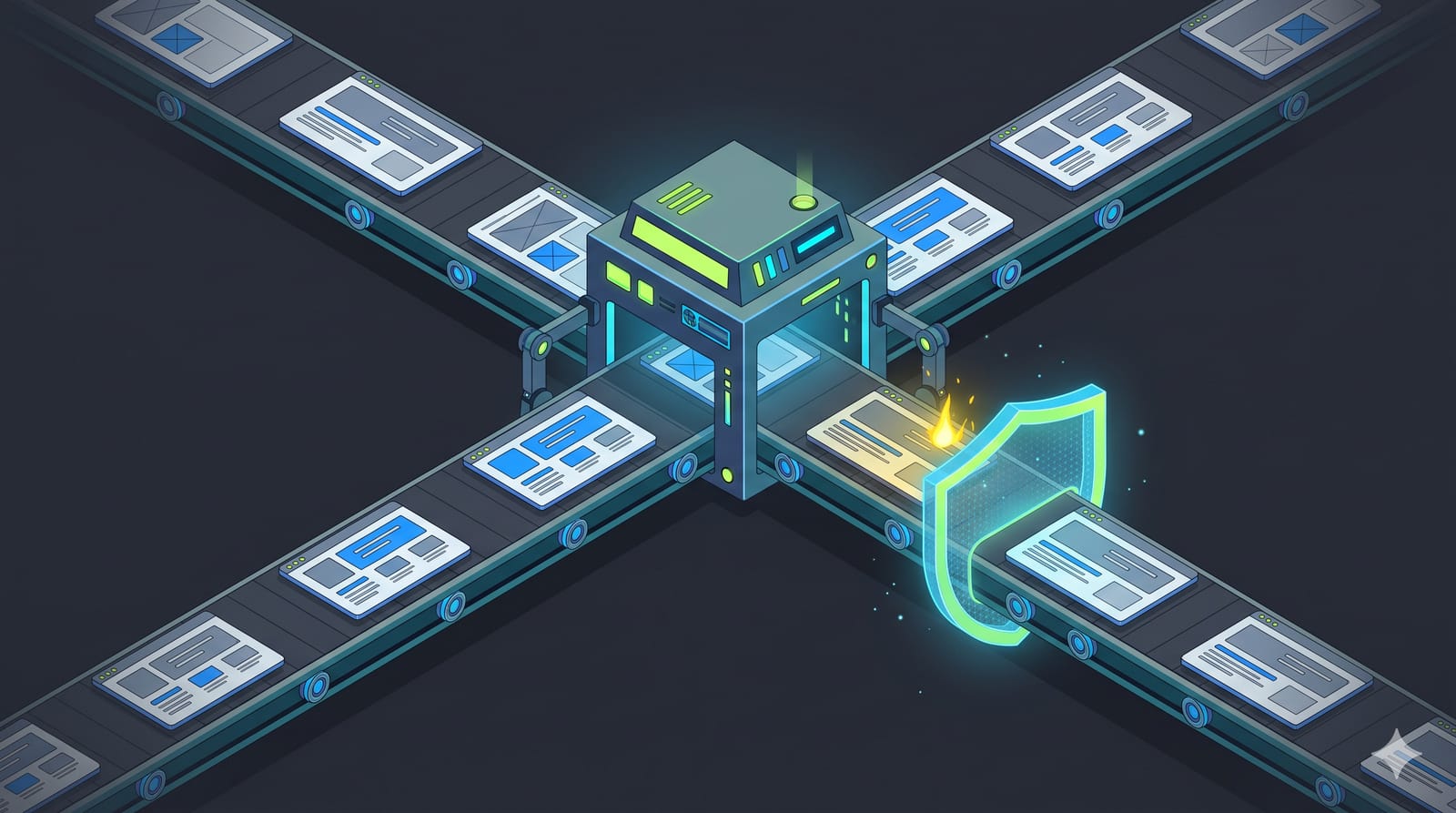
Node.js shipped security releases for all three supported lines on 11 November 2026, and the version numbers you want are 26.13.1, 24.22.3 and 22.23.5. The batch fixes 16 vulnerabilities, seven of them rated High, and almost all of them live in the HTTP/2 and TLS code that a Node server uses when it talks to clients directly. If anything you run is older than those three versions, put the upgrade on this week's list. Below is what the bugs actually hit, a quick way to check your own exposure, and the upgrade steps for local machines, Docker and CI.
The versions to install, by release line
The Node.js security advisory lists one fixed release per line:
Node 26 (Lithium, LTS): upgrade to 26.13.1
Node 24 (Krypton, LTS): upgrade to 24.22.3
Node 22 (Jod, LTS): upgrade to 22.23.5
Node 20 and Node 25 are end-of-life, according to the project's release table, so they get nothing. The advisory is blunt about that: "End-of-Life versions are always affected when a security release occurs." If you are still on 20, this release is your nudge, and the question of whether to jump to 24 or straight to 26 is covered in Node 26's move to LTS and whether to leave Node 24.
Each release also bundles dependency updates. The v24.22.3 release notes list llhttp 9.4.4, undici 7.30.2, sqlite 3.54.1 and brotli 1.2.1. You don't install those separately; they come with the Node binary.
What the seven high-severity bugs actually hit
Reading the advisory line by line, the High issues fall into three groups. Knowing which group touches your code tells you how urgent your upgrade really is.
HTTP/2 servers: crashes and leaked memory
Four of the seven are in node:http2. One lets an unauthenticated client crash a default HTTP/2 server whose handler responds before the request body has finished arriving. Another means session memory and file descriptors are never cleaned up if the peer sends GOAWAY and then triggers a protocol error. A third can send freed or unrelated heap memory back to the peer when a stream is torn down under backpressure. The fourth is a use-after-free when a respondWithFile() stream is reset during a pending write.
If your app calls http2.createServer() or http2.createSecureServer(), treat this release as urgent.
HTTPS: other connections' memory, including private keys
CVE-2026-123864 is the one to read twice. According to the advisory, an unauthenticated client can read other connections' memory, "including TLS private keys", when a handler calls res.flushHeaders() before the body ends and then res.end() with a non-empty chunk, combined with any route that echoes or stores request bodies. Plain cleartext node:http is not affected. This one reaches back to Node 22.
TLS servers: a crash and a client-certificate bypass
A TLS server that uses SNICallback, OCSPRequest, session resumption callbacks or server.addContext() can be crashed by a client that sends a hello and a FIN in the same tick. Separately, on servers with different client-certificate rules per hostname, TLS 1.2 renegotiation could let a client carry its authentication over to a host with a stricter policy.
The Medium and Low items round this out: proxy credentials printed into ERR_PROXY_INVALID_CONFIG error messages, an https.Agent session-reuse bug that can skip a stricter ca setting, and two Permission Model gaps if you run with --permission.
Are you exposed? A five-minute check
Start with the honest answer: if Node terminates TLS or speaks HTTP/2 itself, you are in the blast radius. If Node only serves plain HTTP behind a load balancer or reverse proxy that handles TLS, most of the High items don't reach you directly, but the proxy-credential and https.Agent fixes still apply to outbound calls. Upgrade either way; the difference is whether it waits for Friday.
Search your code for the APIs the advisory names:
grep -rnE "http2\.create(Secure)?Server|SNICallback|addContext\(|flushHeaders\(|respondWith(File|FD)\(" \
  --include=*.js --include=*.mjs --include=*.ts src/
A hit doesn't mean you are exploitable, and no hit doesn't clear your dependencies, which may use these APIs on your behalf. It does tell you where to look first.
Then check what production is really running, because laptops and servers drift apart:
node -p "process.versions.node"How to upgrade: local, Docker and CI
Local machines
With nvm, install the patched release for your line and make it the default:
nvm install 24.22.3
nvm alias default 24.22.3
Docker images
A floating tag like node:24 only picks up the fix when you rebuild and pull again, and only after the image is republished. Pinning the exact version makes the upgrade a visible diff in code review:
FROM node:24.22.3-slimRebuild without cache so the new base layer is actually used, then confirm with docker run --rm your-image node -v.
CI and a startup guard
If CI installs Node by major version, the next run should resolve to the patched release; check the log rather than assuming. For services where a stale runtime would hurt, a small guard at startup turns "we forgot one box" into a loud failure:
// check-node.js: refuse to boot on a release from before 11 November 2026
const [major, minor, patch] = process.versions.node.split('.').map(Number);
const patched = { 22: [23, 5], 24: [22, 3], 26: [13, 1] };
const min = patched[major];

if (!min) {
  console.error(`Node ${major} is not a supported line; move to 24 or 26`);
  process.exit(1);
}
const [minMinor, minPatch] = min;
if (minor < minMinor || (minor === minMinor && patch < minPatch)) {
  console.error(`Node ${process.versions.node} predates the November 2026 security release`);
  process.exit(1);
}
Run it with node check-node.js && node server.js, or require it at the top of your entry file. Update the table at the next security release; it is deliberately dumb so nobody has to wonder what it does.
Frameworks ride on top, so check them too
Patching Node fixes the runtime, not the framework on top of it. Next.js, for example, has its own security releases, and this autumn has had several. If you deploy Next.js, the version table in our rundown of recent Next.js security updates is worth a second look in the same sitting, and teams still on 15 should read why Next.js 15 no longer gets security fixes.
The short version
Install 26.13.1, 24.22.3 or 22.23.5, depending on your line. Prioritise anything that serves HTTP/2 or terminates TLS in Node, and anything that uses flushHeaders() on HTTPS routes. Pin exact versions in Docker so the upgrade shows up in review, and add a startup check if you have more servers than you can count on one hand. If you are on Node 20 or 25, there is no patch coming; the fix is a major-version upgrade.