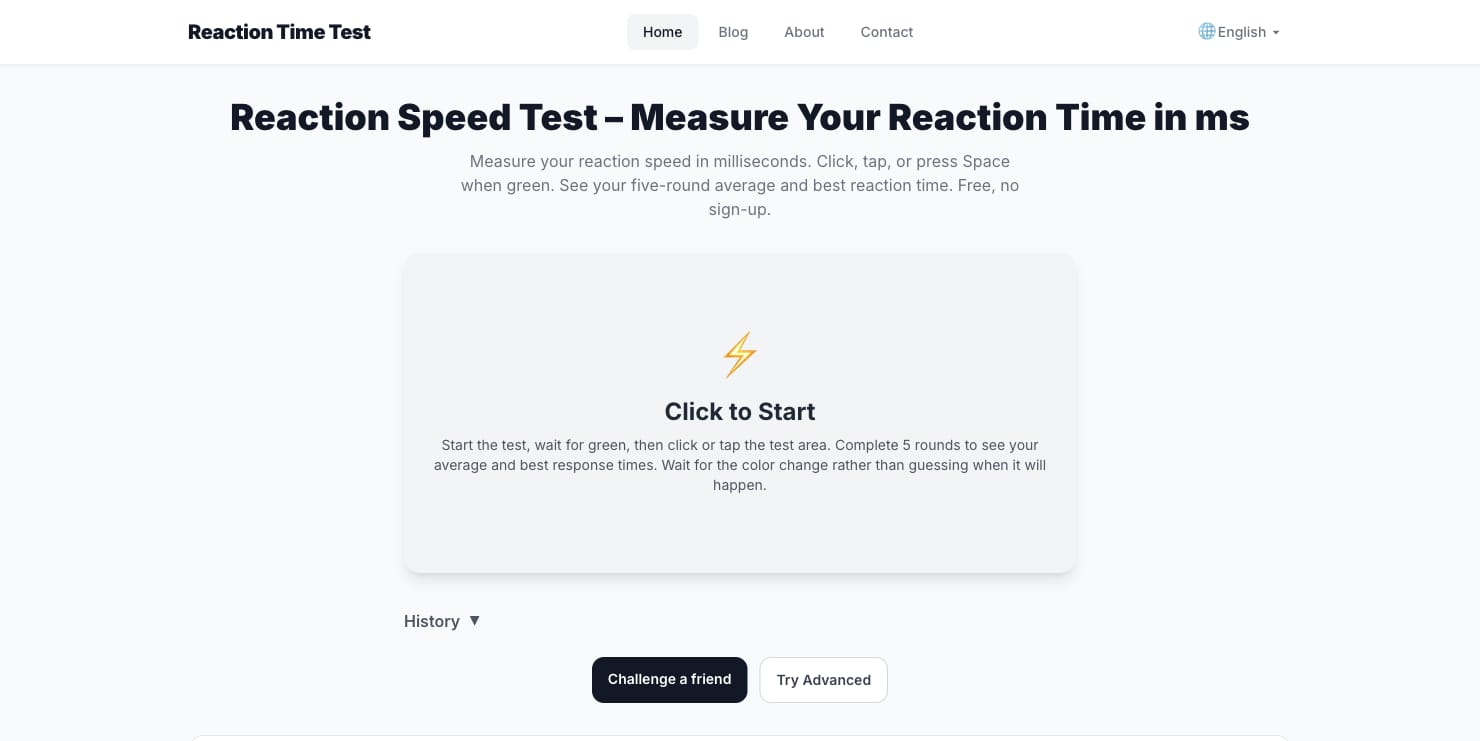
A visual reaction test asks a simple question: how quickly can you respond after a signal changes? It can be an entertaining way to explore attention, but the result also depends on the screen, browser and input device. Looking at a set of attempts is more useful than treating one unusually fast click as a definitive score.
What the number includes
The displayed time starts when the page presents a visual signal and ends when it receives your response. Your eyes and brain are only part of that path: the display refresh, the input device and the browser can all add delay. For that reason, comparing a phone touch with a mouse click is not quite an apples-to-apples comparison.
Make a fair comparison
Choose one input method and use the same device for a set of trials. Sit comfortably, remove obvious distractions and wait for the signal instead of guessing when it will appear. An early click may be anticipation rather than a response. Take several attempts and look at the average or the middle of the group instead of focusing only on the best result.
Reaction Time Test Online provides a simple visual prompt and reports an average over five rounds. It can be used as a casual starting point for observing how your scores vary from one short session to another.
Use the result carefully
A browser exercise is not a medical assessment, and changes between sessions do not establish a diagnosis. Sleep, attention and the testing setup can all vary. If you want to compare two sessions, keep conditions as similar as possible and write down what changed.
Most of all, avoid turning the exercise into a race for a single perfect number. A few thoughtful attempts, with a break when concentration fades, offer a clearer picture than a long sequence of hurried clicks.