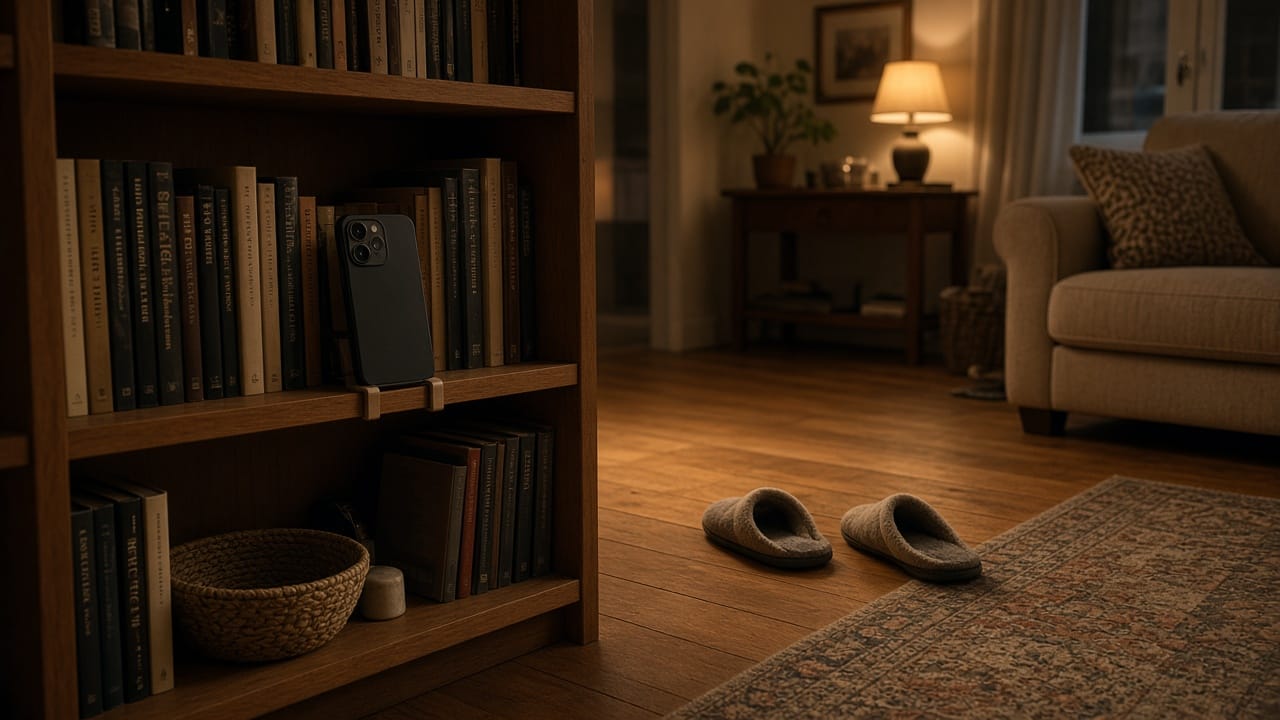
I set a phone on a shelf to plan a family dance clip and practised saying “just copy me.” When I tried the first few seconds myself, I could see how many decisions I had packed into that invitation. I was asking someone to learn a step, appear on camera and agree to sharing before we had even talked.
A short video can fit into a Diwali visit or another holiday at home. I get the camera ready after we agree what kind of video would feel comfortable.
Ask about the activity and the audience
“Would you like to try a few seconds of this dance? We can practise before I record anything.”
Once someone wants to take part, ask about the finished clip. A family group, a private account and a public post are different choices. Agree on one before recording, then ask again when there is an actual edit to watch.
Accept a no without keeping the phone pointed at the person. Someone might enjoy learning a step and prefer to keep that moment off camera. They can still decide to join the rehearsal.
It also helps to say how long the whole thing will take. A few seconds of movement with time to practise feels more manageable than a vague plan to make a trend video.
Teach the first five seconds
I try the movement once on my own and pick the easiest part. A gentle shoulder movement can be done sitting in a steady chair. Choose a pace and movement everyone taking part is comfortable with, and stop when someone wants a break.
Let the people in the clip choose the music or clothes for the filmed version. Put the phone somewhere steady, clear the space around it and use good light. Practise privately, then allow up to three takes if everyone still wants them. Keep the first take when it already works.
Make a version that needs no dancing from them
When someone likes the joke and wants to skip the movement, ask whether they want a photo edited for it. One option in AI Dance Generator is a 15-second shoulder-dance clip for the family chat. It uses the preset Dame Hombro routine and one JPG or PNG showing a single person with their head, shoulders and whole body in frame. The result is a vertical MP4 and uses credits.
Get a clear yes to uploading and animating the picture, then show the finished result before it goes into the agreed chat. That permission matters just as much when the starting photograph is already in the family album.
The other roles are part of the video too. Someone can hold the phone, judge which take to keep, or choose to appear for a wave at the very end. An agreed last-second cameo gives the person a definite moment to enter and leave the frame.
For a version with one dancer, I can film myself and ask a parent to choose the opening shot, the music and the cut they want to send. That gives them a way to shape the video from behind the camera. Watching the rehearsal is another role they can choose.
Watch the finished cut together
Show the exact version you plan to share. A short preview is useful for checking the expression on screen, the crop, the music and the moment someone comes into view.
Delete a take when the person in it asks. If the agreement was the family group, share it there and leave tags off. Ask again if you later want to use it on a public account.
Give everyone a chance to decide privately. A room full of relatives waiting to watch can make an otherwise simple choice feel like a vote.
The moment I leave room for
When I plan the edit now, I leave the last second available for a wave or a brief cameo. It gives the person a clear cue and lets me finish the dance without asking anyone else to learn the steps.
I keep the phone in one place and make the plan small enough to change. If the final cut is just me doing the first few seconds, the other person has still had a part in deciding how the clip turned out.