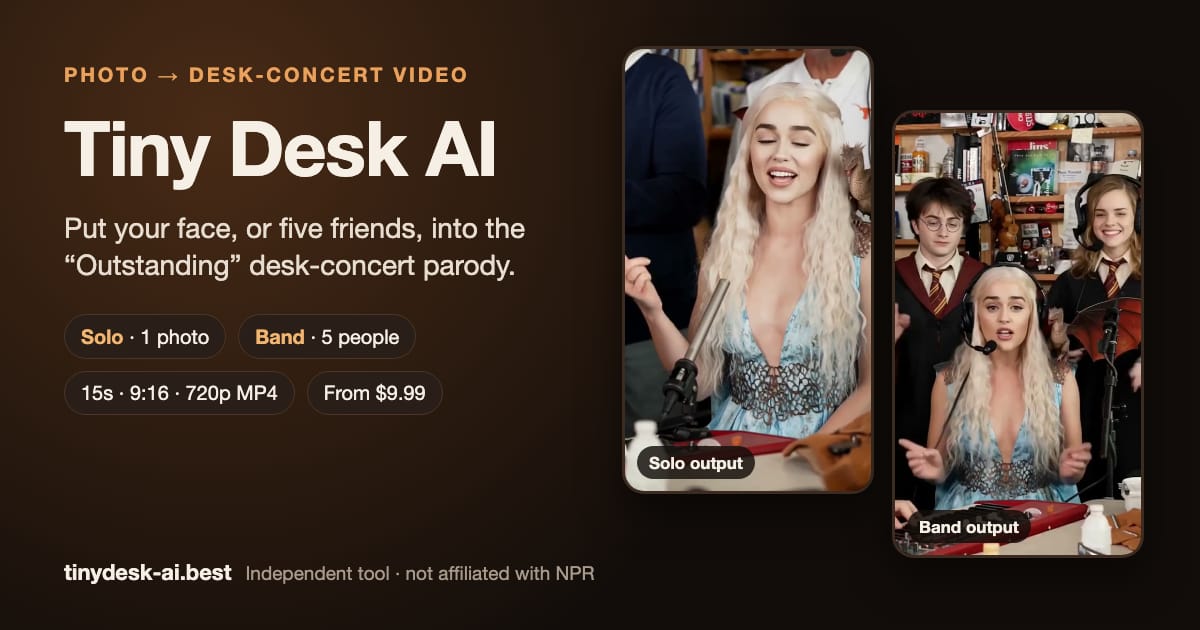
Short videos are only useful when more people can understand them. An accessibility-first workflow checks contrast, motion, captions, pacing, and the text alternative before publishing. Use accessibility-first Tiny Desk AI video generator to create a draft, then review the clip with a five-point checklist rather than relying on visual polish alone.
Check contrast and motion
The viewer should understand the problem before seeing an effect. Write a one-sentence promise, select one audience, and remove any scene that does not support that promise. This makes the short format easier to follow on a phone, in a classroom, or inside a busy team chat.
Write a useful text alternative
Set the context. Name the person, place, or task in the first frame.
Show one change. Use a single visual transition so the viewer can tell what moved forward.
Add a human check. Review names, permissions, captions, and the emotional tone before export.
Close with a next step. Tell the viewer where to learn more, sign up, or watch the longer story.
Use a five-point review: contrast, motion comfort, caption accuracy, text alternative, and audio clarity. Score each item from 0 to 2, then require at least 8 out of 10 before publishing. The checklist makes quality visible and gives a team a repeatable way to improve the next clip.
Caption every spoken idea
Numbers are useful when they answer a decision. Compare the same audience, duration, and call to action across two drafts. Keep a small record of the date, platform, view count, completion rate, clicks, and conversions. A 2026 workflow should make those fields easy to review rather than burying them in a presentation.
Test before release
After the first edit, ask three people outside the project to describe what they think the clip is about. If their answers differ, simplify the opening. When the meaning is clear, publish the short version and link to the fuller resource. That sequence respects the viewer’s time and gives the project a measurable path from attention to action.
Conclusion
The best short AI video is a clear invitation: it shows a real problem, gives enough evidence to trust the next step, and makes the next action easy. Start with the workflow above, review the data after the first release, and keep the version that helps real people move forward.