
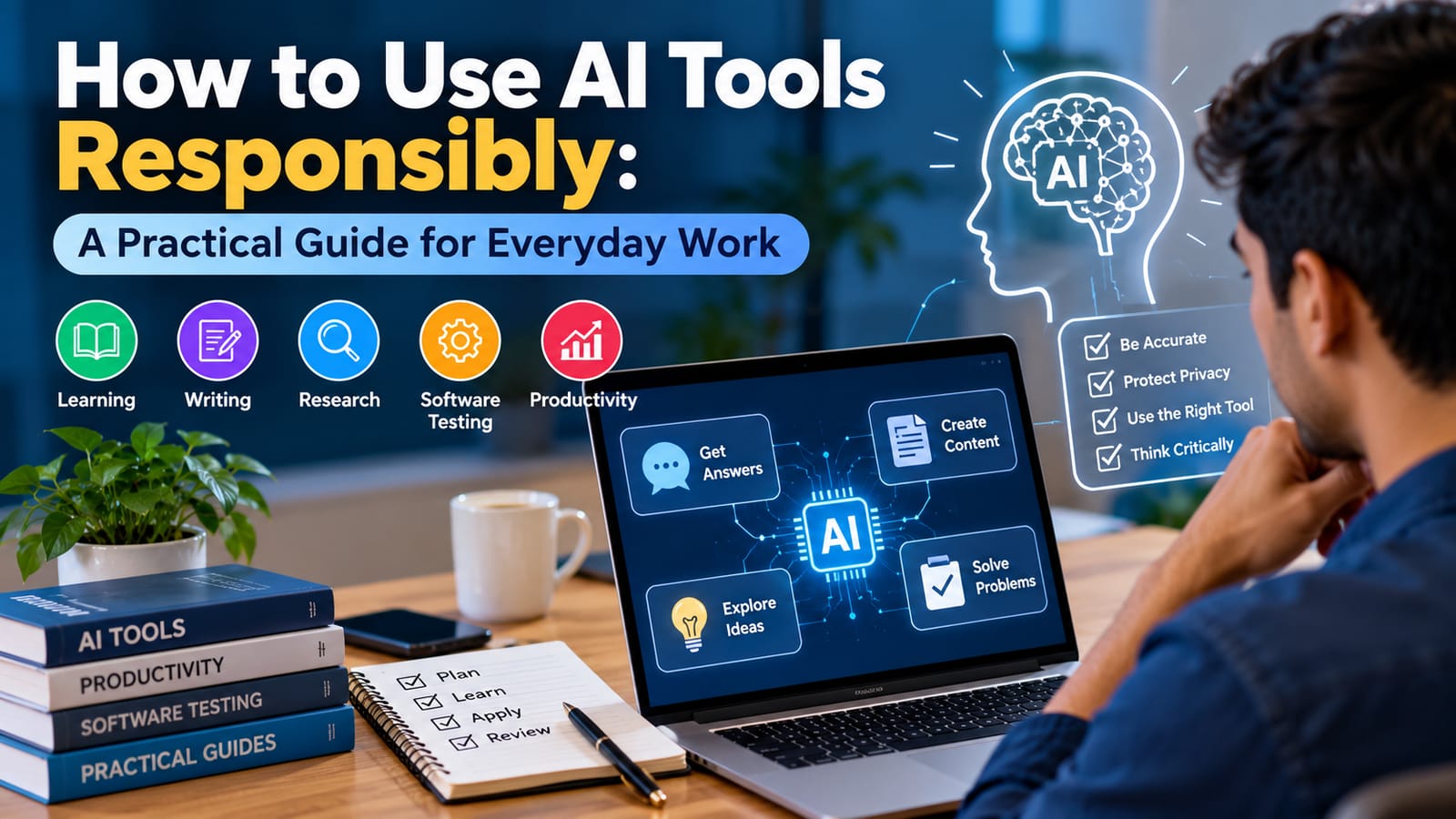
Artificial intelligence is becoming part of everyday work. People use AI tools to understand unfamiliar topics, organise information, improve writing, brainstorm ideas, and support software development.
However, using an AI tool effectively requires more than entering a question and accepting the first answer. Users need to understand its limitations, check important information, and protect the data they share.
This guide explains a practical approach to using AI tools responsibly.
1. Start With a Clear Goal
Before choosing an AI tool, identify the task you want to complete.
For example, you might want to understand a technical concept, create an outline for an article, compare different approaches to a problem, or prepare software test scenarios.
A clear goal helps you evaluate whether the tool is actually useful. It also makes it easier to recognise when the output is incomplete or irrelevant.
Instead of asking an AI tool to do everything, break a complex task into smaller steps.
2. Verify Important Information
AI tools can produce incorrect facts, outdated information, or explanations that sound convincing but contain mistakes.
For important decisions, verify claims using reliable sources such as official documentation, original research, or trusted reference materials.
For example, if an AI tool explains a software testing feature, compare its explanation with the official documentation before applying it to a real project.
Do not treat an AI-generated answer as proof that a claim is true.
3. Choose the Right Tool for the Task
Different AI tools are designed for different purposes. A tool that performs well at writing assistance may not be the best choice for analysing data or reviewing code.
Consider these examples:
Learning: Use AI to simplify unfamiliar concepts and generate practice questions.
Writing: Use it to organise ideas, review clarity, and identify repetitive wording.
Research: Use it to develop questions and organise findings, then verify the original sources.
Software testing: Use it to brainstorm test scenarios, boundary conditions, and possible edge cases.
Productivity: Use it to structure plans, summarise non-sensitive information, and organise routine tasks.
Evaluate tools based on your needs rather than popularity alone.
4. Protect Personal and Confidential Information
Privacy should be considered before entering information into an AI tool.
Avoid sharing passwords, authentication tokens, private customer details, confidential business documents, or personal information unless you have clear permission and the tool is approved for that use.
Review the tool's privacy policy, data retention settings, and available controls. Workplace users should follow their organisation's security requirements.
When possible, use fictional examples or remove identifying information from your prompts.
5. Use AI as a Support Tool in Software Testing
AI can help software testers brainstorm test cases and identify scenarios that may otherwise be overlooked.
For a login page, for example, a tester could ask an AI tool to suggest scenarios involving valid credentials, invalid passwords, empty fields, locked accounts, and session timeouts.
These suggestions are only a starting point. A tester still needs to check the requirements, evaluate security implications, execute the tests, and record actual results.
AI-generated test cases should never be reported as executed tests unless they have genuinely been performed.
6. Write Better Prompts
A useful prompt usually explains the task, provides relevant context, states any constraints, and specifies the desired output format.
For example, instead of asking, “Test a login page,” try:
“Create a list of functional test scenarios for a web application's login page. Include valid login, invalid credentials, empty fields, error messages, and session handling. Present the scenarios in a table. Do not assume that any test has already passed.”
A specific prompt makes the expected output clearer, although it does not guarantee a correct answer.
7. Measure Whether AI Actually Helps
Using AI is not automatically an improvement.
Compare the time required to complete a task, the accuracy of the result, the amount of editing needed, and any privacy or security risks.
If a tool saves time but introduces repeated errors that require extensive correction, it may not be the right choice for that task.
Review the results periodically as your requirements and available tools change.
Conclusion
AI tools can support learning, writing, research, productivity, and software testing when they are used thoughtfully.
The most reliable approach is to start with a clear goal, verify important information, protect sensitive data, and retain human judgment over the final result.
AI should help people work more effectively, not encourage them to stop thinking critically.
Discussion question: What task has AI helped you with most, and what limitations have you experienced while using it?