How to Conduct an Online Quiz for Students in the Classroom
Want to conduct an online quiz for your students without spending an entire class preparing questions, printing worksheets, or checking every answer manually? An online quiz can make classroom revision quicker, more interactive, and easier to organise.
Teachers can use online quizzes to test students' understanding, revise lessons before examinations, introduce a new topic, or organise friendly competitions between classmates.
What Is an Online Classroom Quiz?
An online classroom quiz allows teachers to present questions digitally and let students submit their answers using their devices. Depending on the tool, teachers can use multiple-choice questions, timed challenges, instant feedback, and leaderboards.
Unlike a traditional paper quiz, a live online quiz can involve the entire class at the same time and provide a more interactive way to review a topic.
How to Conduct an Online Quiz for Students
Step 1: Choose a topic
Start with a chapter, lesson, or concept you want students to revise. Keep the questions focused on the learning objectives.
Step 2: Prepare your questions
Create a set of multiple-choice questions with clear wording and plausible answer options. You can use a short quiz for a quick knowledge check or a longer one for a revision session.
Step 3: Choose an online quiz maker
Select a tool that lets you create questions, organise a live session, and review student responses. For example, GamifyTL Quiz Battle offers a format for running interactive quiz activities with students.
Step 4: Let students join the quiz
Share the activity using the available joining method, such as a room code or QR code. GamifyTL supports browser-based participation without requiring students to create an account or install an app.
Step 5: Review the results
Use the quiz results to identify topics that need more explanation. A leaderboard can also add a competitive element when it suits the lesson and the students.
Ways Teachers Can Use Instant Classroom Quizzes
An online quiz does not have to be reserved for examinations. Teachers can use short quizzes throughout the learning process.
At the beginning of class: Check what students remember from the previous lesson.
During a lecture: Ask a quick question to see whether students understand a difficult concept.
Before an examination: Conduct a timed revision quiz covering important topics.
For group activities: Organise a friendly quiz competition that encourages students to participate.
At the end of class: Use a short knowledge check to identify concepts that require further revision.
These small activities can help teachers gather feedback without changing their entire teaching routine.
What If Students Get Bored With Regular Quizzes?
Multiple-choice quizzes are useful, but using the same activity every time can become repetitive. Teachers can introduce different formats to keep classroom participation varied.
Word searches can support vocabulary revision, jumbled-word challenges can reinforce terminology, and visual puzzles can encourage students to recognise patterns or recall concepts. Live polls can help teachers collect opinions and start discussions.
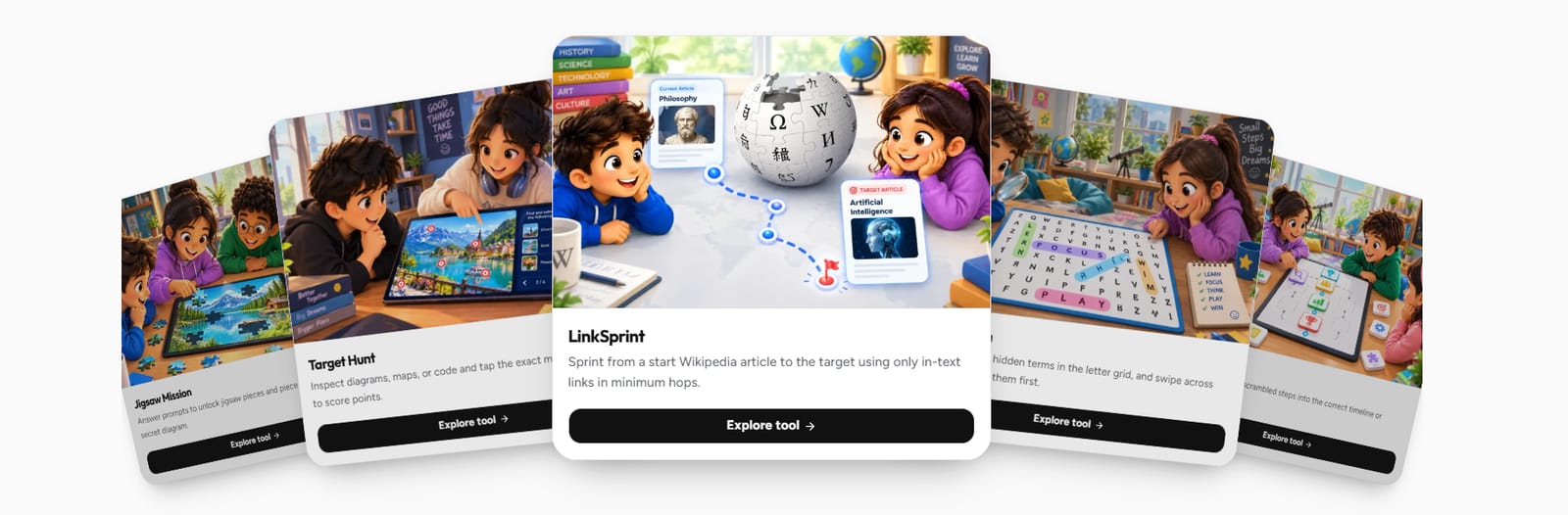
Educators looking for more than a basic quiz maker can explore GamifyTL, which brings together interactive quizzes, puzzles, polls, classroom activities, and resource sharing.
How to Choose the Right Online Quiz Tool
Before selecting a classroom quiz platform, consider a few practical questions:
Can you create and run a quiz easily?
Can students join quickly using a browser?
Are there useful features for reviewing answers and results?
Does the platform support different types of interactive activities?
Can you share the session without asking every student to complete a lengthy registration process?
The best option depends on the size of your class, your teaching goals, and the features you actually need.
Make Your Next Classroom Quiz More Interactive
Online quizzes can be a simple way to make revision sessions more participatory. With the right preparation and a suitable tool, teachers can check understanding, encourage students to respond, and use the results to guide the next lesson.
If you are looking for an online quiz maker for teachers, explore GamifyTL to discover interactive quiz activities and other tools designed to support engaging sessions.